
In today’s digital world, having a website is no longer a luxury—it’s a necessity. Whether you are a student, freelancer, small business owner, or content creator, a website helps you build your online presence and reach a wider audience. The best part is that you no longer need coding skills to create a professional-looking website. Thanks to modern no-code website builders, anyone can design, customize, and launch a fully functional website with ease.
This step-by-step guide will walk you through the entire process of creating a website without coding, in a simple and detailed manner. By the end of this article, you will have a clear understanding of how to build your own website from scratch.
Understanding Your Website Purpose
Before you begin designing your website, it is important to clearly define its purpose. A website without a clear goal often fails to engage users or achieve results. You should take some time to think about why you want to create a website and what you want to achieve from it.
For example, if you are creating a personal blog, your goal might be to share knowledge or express your thoughts. If it is a business website, your aim could be to generate leads or sell products. Similarly, a portfolio website is meant to showcase your work and attract clients.
Understanding your audience is equally important. Knowing who will visit your website helps you decide the design, tone, and content structure. A well-defined purpose ensures that every element of your website is aligned with your goals.
Choosing the Right Website Builder

Once your purpose is clear, the next step is selecting the right website builder. Website builders are platforms that allow you to create websites using drag-and-drop tools, eliminating the need for coding.
There are several popular website builders available today, each offering unique features. Some platforms are beginner-friendly, while others provide advanced customization options. The key is to choose a platform that matches your needs and skill level.
Below is a comparison table of popular no-code website builders:
| Website Builder | Best For | Key Features | Pricing (Approx.) |
| Wix | Beginners | Drag-and-drop editor, templates | Free + Paid |
| Squarespace | Design-focused users | Modern templates, blogging tools | Paid |
| WordPress.com | Flexibility & blogging | Customization, plugins | Free + Paid |
| Shopify | E-commerce | Online store, payment integration | Paid |
Each of these platforms offers templates, hosting, and customization tools, making it easy for beginners to get started.
Selecting a Domain Name
Your domain name is your website’s identity on the internet. It is the address that users type in their browser to visit your site. Choosing the right domain name is crucial because it reflects your brand and helps users remember you.
A good domain name should be short, simple, and easy to spell. It should also be relevant to your niche or business. Avoid using complex words or unnecessary numbers, as they can confuse users.
Many website builders provide domain registration services, so you can purchase your domain directly while setting up your website. Alternatively, you can buy a domain from external providers and connect it to your website builder.
Choosing a Template and Designing Your Layout

After setting up your domain, the next step is selecting a template. Templates are pre-designed website layouts that you can customize according to your needs. They serve as the foundation of your website’s design.
While choosing a template, it is important to pick one that matches your website’s purpose. For example, a portfolio website should have a visually appealing layout, while a business website should focus on clarity and professionalism.
Once you select a template, you can start customizing it. Website builders allow you to modify colors, fonts, images, and layout elements easily. You can drag and drop sections, rearrange content, and create a design that reflects your brand identity.
A clean and simple design always works best. Avoid overcrowding your website with too many elements, as it can make navigation difficult for users.
Creating Essential Website Pages
A well-structured website includes several important pages that help users navigate and understand your content. These pages form the backbone of your website and should be designed carefully.
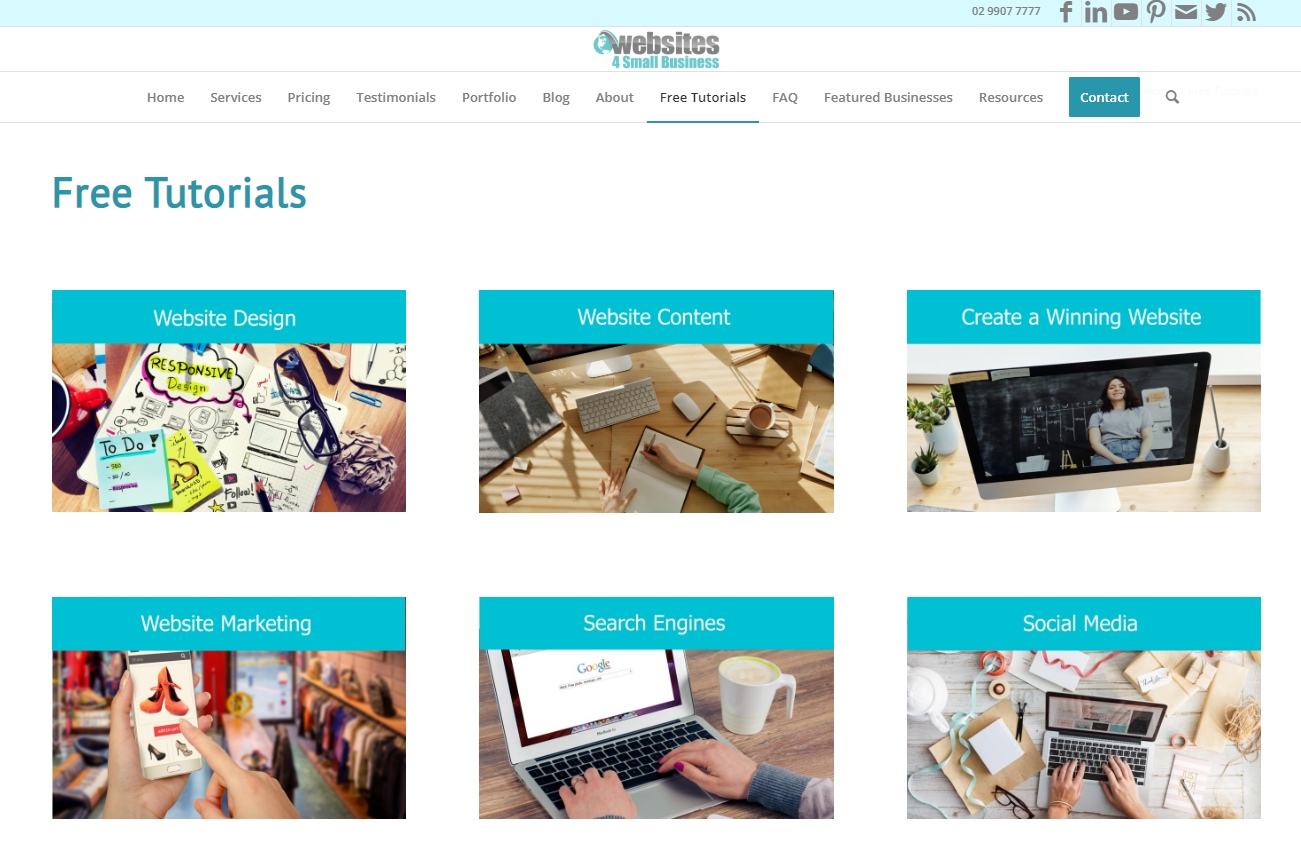
The homepage is the most important page, as it creates the first impression. It should clearly communicate what your website is about and guide users to other sections. The “About” page provides information about you or your business, helping build trust with visitors.
The contact page is equally essential, as it allows users to reach out to you easily. You can include a contact form, email address, or social media links. If you are offering services or products, dedicated pages for them should be included with detailed descriptions.
Adding a blog section can also be beneficial, especially if you want to improve your website’s visibility on search engines. Regular blog posts help attract more visitors and keep your website active.
Optimizing Your Website for SEO
Search Engine Optimization (SEO) plays a crucial role in making your website visible on search engines like Google. Without proper SEO, your website may not reach your target audience, no matter how well it is designed.
Basic SEO involves using relevant keywords in your content, headings, and meta descriptions. You should also ensure that your website loads quickly and is mobile-friendly. Most users access websites through their smartphones, so responsiveness is essential.
Images should be optimized with proper alt text, and URLs should be clean and readable. Website builders often provide built-in SEO tools that guide you through the optimization process.
Consistent content updates and high-quality information also improve your website’s ranking over time.
Testing and Previewing Your Website
Before publishing your website, it is important to test everything thoroughly. This step ensures that your website provides a smooth and error-free experience to users.
You should preview your website on different devices, including mobile phones, tablets, and desktops. Check if all links, buttons, and forms are working properly. Make sure there are no spelling or grammatical errors in your content.
Testing also includes checking the loading speed and overall performance of your website. A slow website can frustrate users and lead to higher bounce rates.
Taking the time to review your website carefully can save you from potential issues after launch.
Publishing Your Website
Once you are satisfied with your design and content, you can publish your website. Most website builders have a simple “Publish” button that makes your website live instantly.
After publishing, your website becomes accessible to anyone on the internet. You can share your website link on social media, email, or other platforms to attract visitors.
Launching your website is an exciting step, but it is only the beginning of your online journey.
Maintaining and Updating Your Website
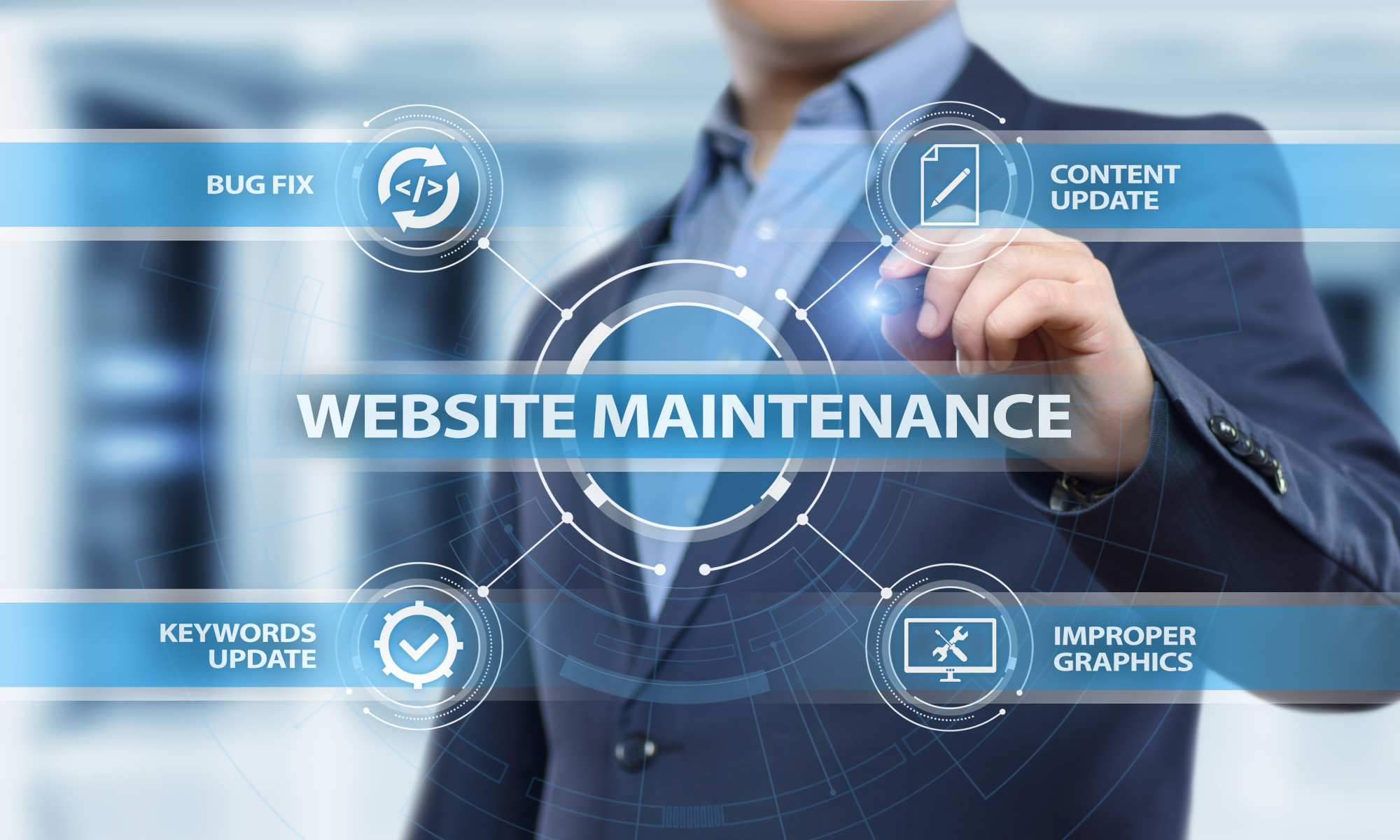
Creating a website is not a one-time task. To keep it relevant and effective, regular updates are necessary. You should continuously add new content, update existing information, and improve your design based on user feedback.
Monitoring your website’s performance using analytics tools can help you understand user behavior and make improvements. Updating images, fixing broken links, and improving SEO are ongoing tasks that contribute to your website’s success.
A well-maintained website not only attracts more visitors but also builds trust and credibility over time.
Final Thoughts
Building a website without coding has become incredibly easy in 2026. With the help of modern website builders, anyone can create a professional and functional website without technical expertise. The key is to follow a structured approach, starting from defining your purpose to maintaining your website after launch.
By choosing the right platform, designing a user-friendly layout, and optimizing your content for search engines, you can create a website that stands out and achieves your goals. Remember, consistency and continuous improvement are essential for long-term success.
No matter your background or experience level, you now have everything you need to create your own website without coding. Start today and take the first step toward building your online presence.
FAQs
1. Can I really create a website without coding?
Yes, absolutely. Modern website builders like Wix, Squarespace, and WordPress.com allow you to create a complete website using drag-and-drop tools. You don’t need any coding knowledge to design, customize, or publish your site.
2. How much does it cost to create a website without coding?
The cost can vary depending on the platform you choose. Many website builders offer free plans with basic features, while paid plans usually start from ₹200–₹1000 per month. Additional costs may include a domain name and premium templates.
3. Which website builder is best for beginners?
For beginners, Wix is often considered the easiest due to its simple drag-and-drop interface. However, WordPress.com is great for blogging, and Shopify is best if you want to create an online store.
4. How long does it take to build a website without coding?
You can create a basic website within a few hours using a website builder. However, building a fully optimized and professional website with content, design, and SEO can take a few days to a couple of weeks.
5. Is SEO important for a no-code website?
Yes, SEO is very important. Even if your website looks great, it won’t get visitors without proper optimization. Using keywords, writing quality content, and optimizing speed and mobile responsiveness can help your website rank higher on search engines
Who should use Digital Tools
Step-by-Step Guide to Create a Website Without Coding is built for readers who want a faster way to finish everyday web tasks. The main goal is shorter workflows, clearer outputs, and reusable tool habits, so the guide focuses on practical choices instead of broad theory.
Use it when you need one of these outcomes:
- testing a task before choosing a heavier app
- saving time on a repeated browser workflow
- combining a guide with a related AltFTool utility
How to get a better result
- Read the core use case and decide what output you need.
- Open the related AltFTool utility and test it with a small sample.
- Review the result, adjust settings, and repeat only if needed.
- Continue with related tools or guides for the next step in the workflow.
Start small, check the first output, and only then repeat the workflow with the full file, text, media, or game session. That gives you a quick quality check before you spend more time.
Quality checks before you trust the output
- the input is clean before running the tool
- the output matches the format you need
- private details are removed before sharing or downloading
Do not overcomplicate a simple task. Start with the smallest sample that proves the workflow, then scale up once the output looks right.
Continue your workflow
If you want to try the workflow now, open the related AltFTool tool area. For more reading, continue through the Digital Tools archive or the AltFTool tools directory.
This creates a cleaner path from explanation to action: read the guide, test the tool, compare the output, and move into the next related AltFTool resource only when it helps the task.
Reader questions
Quick answers
What is Step-by-Step Guide to Create a Website Without Coding about?
In today’s digital world, having a website is no longer a luxury—it’s a necessity. Whether you are a student, freelancer, small business owner, or content creat
When should I use Digital Tools?
Use Digital Tools when you need testing a task before choosing a heavier app or saving time on a repeated browser workflow. It is best for shorter workflows, clearer outputs, and reusable tool habits.
How do I get better results from Digital Tools?
Start with a small sample, then check that the input is clean before running the tool and the output matches the format you need. Review the output before using it in a final workflow.
Where can I find more Digital Tools guides?
Use the AltFTool blog archive, AltFTool tools directory, and related links on this page to explore more Digital Tools tutorials, tool workflows, and practical recommendations.
Sources and review notes
References used to check facts, freshness, and reader-safe recommendations in this guide.
Reviewed against AltFTool editorial guidance, related site archives, and linked tool pages for freshness and reader usefulness.
- 1AltFTool Digital Tools archive
AltFTool
- 2AltFTool tools directory
AltFTool
Discussion
0 comments
No comments yet
Discussion will appear here once it loads.