
Content creation is growing faster than ever in 2026. From YouTubers and bloggers to graphic designers, podcasters, marketers, and social media influencers, creators now depend heavily on digital tools to improve productivity and content quality. However, premium creator tools often come with expensive monthly subscriptions, making it difficult for freelancers and small creators to manage costs.
This is where creator tool deals become extremely valuable. These deals allow content creators to access premium tools at discounted prices or lifetime offers, helping them save money while improving workflow efficiency.
In this blog, we will explore the best creator tool deals in 2026, their advantages, disadvantages, limitations, and why these tools are important for modern creators.
What Are Creator Tool Deals?
Creator tool deals are discounted offers on software and digital platforms designed for content creators. These deals may include lifetime access, limited-time discounts, bundled offers, or premium upgrades at lower prices.
These tools help creators manage tasks like:
- Video editing
- Graphic design
- AI content writing
- SEO optimization
- Social media scheduling
- Audio editing
- Productivity management
- Email marketing
- Thumbnail creation
Analytics tracking
Many startups and SaaS companies offer special promotions to attract creators and freelancers looking for affordable solutions.
Why Creator Tool Deals Matter in 2026
The creator economy is becoming more competitive every year. To stand out online, creators need professional-quality content, consistent posting schedules, and better audience engagement.
Premium tools help improve productivity, but managing multiple subscriptions can become expensive. Creator tool deals reduce financial pressure while allowing creators to access high-quality resources.
These deals are especially useful for:
- Freelancers
- YouTubers
- Bloggers
- Small businesses
- Digital marketers
- Designers
- Social media managers
- Students learning content creation
Popular Creator Tools in 2026
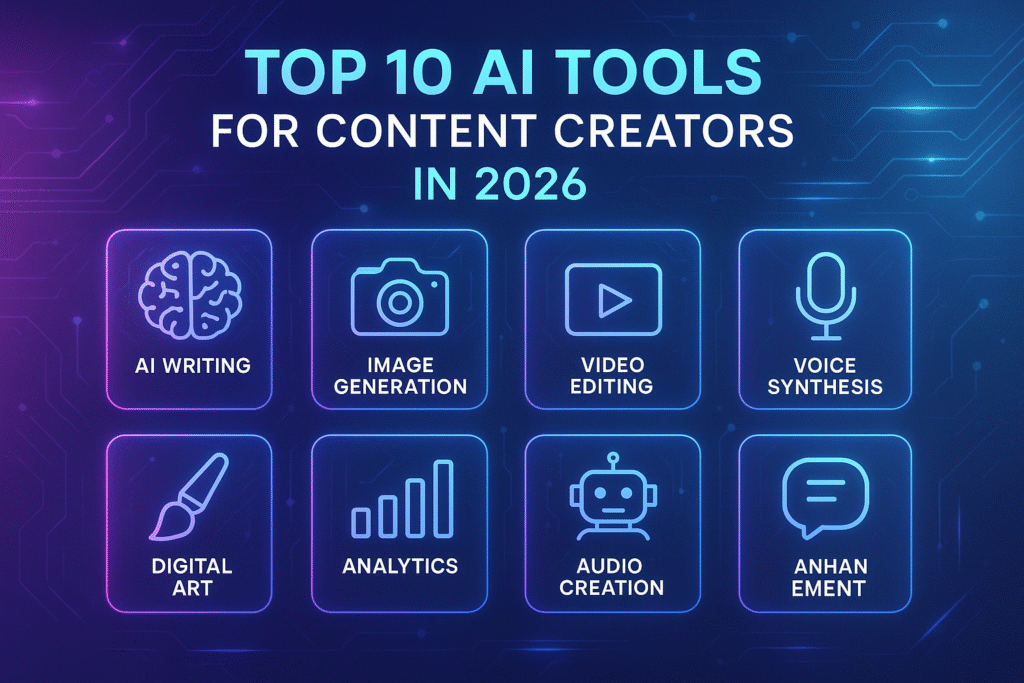
Several categories of creator tools are trending in 2026.
AI Writing Tools
AI-powered writing tools help creators generate blogs, captions, scripts, product descriptions, and social media posts quickly.
Graphic Design Tools
Design software helps creators make thumbnails, banners, logos, presentations, and marketing visuals.
Video Editing Software
Video tools improve editing quality, transitions, subtitles, and animations for YouTube, Instagram, and TikTok content.
SEO Tools
SEO platforms help bloggers and marketers improve search rankings and website traffic.
Social Media Management Tools
These tools allow creators to schedule posts, manage engagement, and analyze audience performance.
Pros & Cons of Lifetime Software Deals
| Pros of Creator Tool Deals | Cons of Creator Tool Deals |
| 1. Save Money – Discounts and lifetime deals help creators avoid expensive monthly subscriptions. | 1. Too Many Tool Options – Creators may feel overwhelmed while choosing between different software tools. |
| 2. Access Premium Features – Many deals include advanced features that improve productivity and content quality. | 2. Learning Curve – Some advanced creator tools require time and practice to use properly. |
| 3. Better Workflow Efficiency – Professional tools help creators work faster and manage tasks effectively. | 3. Limited Features in Basic Plans – Discounted plans may have restrictions compared to premium subscriptions. |
How to Choose the Best Creator Tool Deals
Before buying any creator tool deal, it is important to understand your needs and choose tools that match your workflow, such as video editing, writing, SEO, or graphic design. Comparing pricing can also help determine whether the deal offers better long-term value than monthly subscriptions.
Creators should also check customer reviews, test free versions when available, and verify the company’s reputation before purchasing. Choosing trusted software providers with active support and regular updates ensures a better long-term experience.
Limitations of Creator Tool Deals
While creator tool deals are useful, they also have some limitations users should understand.
Limited Customer Support
Smaller SaaS companies may offer slower customer support compared to larger brands.
Feature Restrictions
Some deals include limited storage, exports, or usage quotas.
Future Pricing Changes
Companies may later change their pricing models or premium feature access.
Internet Dependency
Many creator tools are cloud-based and require a stable internet connection.
Software Updates
Not all lifetime or discounted deals guarantee future updates.
How to Choose the Best Creator Tool Deals
Before purchasing any creator tool deal, it is important to understand your specific needs and choose tools that match your workflow, such as video editing, writing, SEO, or graphic design. Comparing pricing helps determine whether the deal provides better long-term value compared to monthly subscriptions. Creators should also research customer reviews and recommendations to understand the tool’s performance and reliability.
Testing free versions before purchasing can help users explore features and usability without financial risk. It is also important to verify the company’s reputation by choosing trusted software providers that offer regular updates, active customer support, and long-term reliability for a better overall experience.
Best Creator Tool Categories in 2026
| Category | Purpose |
| AI Writing Tools | Blog writing, scripts, captions |
| Video Editing Software | YouTube and social media editing |
| Graphic Design Tools | Thumbnails, banners, logos |
| SEO Platforms | Keyword research and optimization |
| Social Media Tools | Scheduling and audience management |
| Productivity Apps | Task and workflow management |
FAQs
Who should use Digital Tools
Best Creator Tool Deals for Content Creators in 2026 is built for readers who want a faster way to finish everyday web tasks. The main goal is shorter workflows, clearer outputs, and reusable tool habits, so the guide focuses on practical choices instead of broad theory.
Use it when you need one of these outcomes:
- testing a task before choosing a heavier app
- saving time on a repeated browser workflow
- combining a guide with a related AltFTool utility
How to get a better result
- Read the core use case and decide what output you need.
- Open the related AltFTool utility and test it with a small sample.
- Review the result, adjust settings, and repeat only if needed.
- Continue with related tools or guides for the next step in the workflow.
Start small, check the first output, and only then repeat the workflow with the full file, text, media, or game session. That gives you a quick quality check before you spend more time.
Quality checks before you trust the output
- the input is clean before running the tool
- the output matches the format you need
- private details are removed before sharing or downloading
Do not overcomplicate a simple task. Start with the smallest sample that proves the workflow, then scale up once the output looks right.
Continue your workflow
If you want to try the workflow now, open the related AltFTool tool area. For more reading, continue through the Digital Tools archive or the AltFTool tools directory.
This creates a cleaner path from explanation to action: read the guide, test the tool, compare the output, and move into the next related AltFTool resource only when it helps the task.
Reader questions
Quick answers
What is Best Creator Tool Deals for Content Creators in 2026 about?
Content creation is growing faster than ever in 2026. From YouTubers and bloggers to graphic designers, podcasters, marketers, and social media influencers, cre
When should I use Digital Tools?
Use Digital Tools when you need testing a task before choosing a heavier app or saving time on a repeated browser workflow. It is best for shorter workflows, clearer outputs, and reusable tool habits.
How do I get better results from Digital Tools?
Start with a small sample, then check that the input is clean before running the tool and the output matches the format you need. Review the output before using it in a final workflow.
Where can I find more Digital Tools guides?
Use the AltFTool blog archive, AltFTool tools directory, and related links on this page to explore more Digital Tools tutorials, tool workflows, and practical recommendations.
Sources and review notes
References used to check facts, freshness, and reader-safe recommendations in this guide.
Reviewed against AltFTool editorial guidance, related site archives, and linked tool pages for freshness and reader usefulness.
- 1AltFTool Digital Tools archive
AltFTool
- 2AltFTool tools directory
AltFTool
Discussion
0 comments
No comments yet
Discussion will appear here once it loads.