Student life in 2026 is more digital than ever. From online classes and remote collaboration to AI-powered study tools and creative projects, having the right software can make a huge difference in productivity and learning. The good news is that many popular platforms now offer generous student discounts, free education plans, and premium tools at reduced prices. Whether you are studying engineering, design, business, medicine, or content creation, there are plenty of tools that can help you work smarter without draining your budget.
Why Student Software Deals Matter
Educational expenses continue to rise, and software subscriptions can quickly become expensive. Many students need tools for writing, designing, coding, note-taking, presentations, and team collaboration. Student discounts make these premium tools accessible at a fraction of the regular price. In many cases, students can even unlock professional-level features completely free by verifying their academic email address.
Another major advantage is skill development. Using industry-standard software while studying helps students gain practical experience before entering the job market. Learning platforms like Adobe, Microsoft, Figma, or GitHub during college can strengthen resumes and improve career opportunities.
Best Productivity Software for Students
Productivity software helps students stay organized, manage assignments, and improve focus. One of the most popular choices remains Microsoft 365 Education, which often includes free access to Word, Excel, PowerPoint, OneNote, and cloud storage for eligible students. These tools remain essential for academic writing, presentations, and group projects.
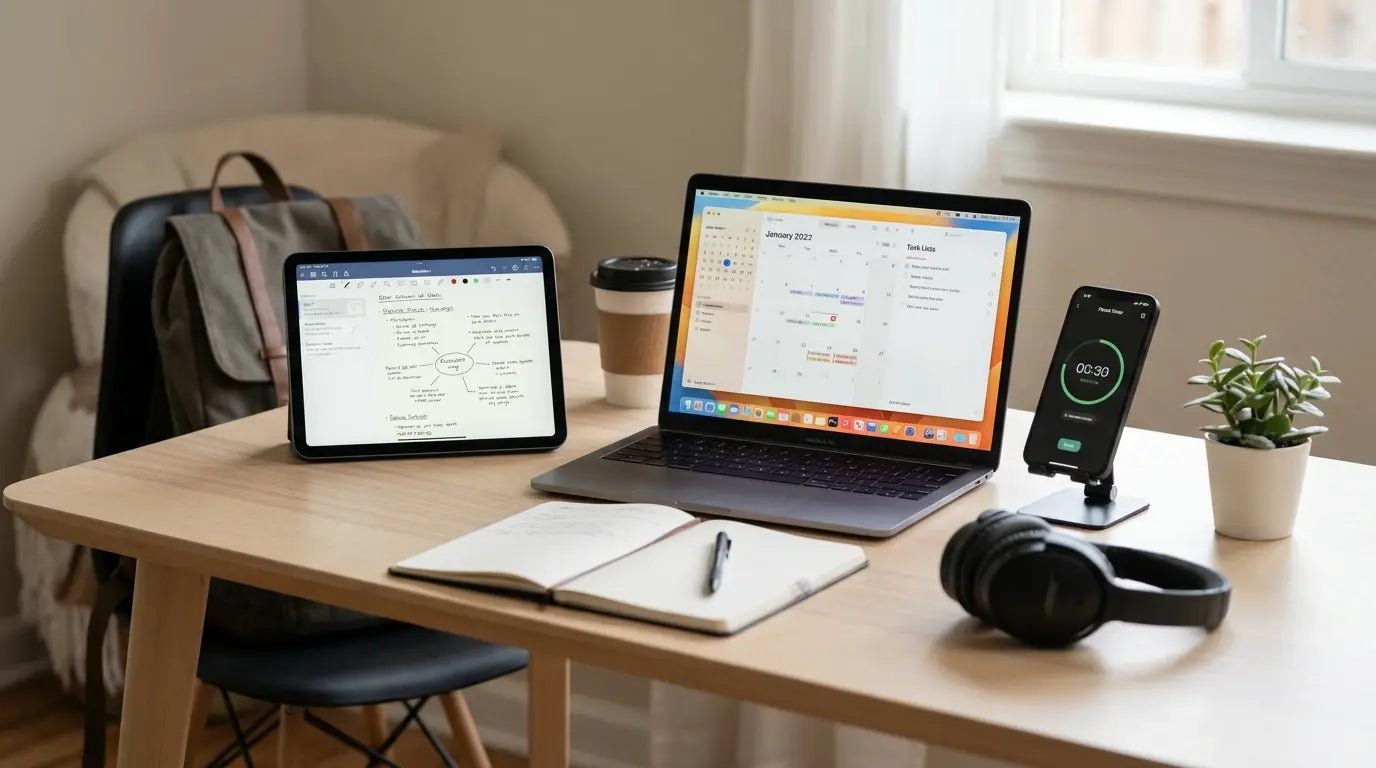
Notion is another favorite among students in 2026. Its flexible workspace allows users to create study planners, project boards, lecture notes, and productivity dashboards in one place. Many students use Notion templates to organize semester schedules and exam preparation.
Google Workspace also continues to dominate classroom collaboration. Google Docs, Sheets, Drive, and Meet offer seamless teamwork and cloud-based access across devices. Since most features are free, it remains one of the best options for students on a budget.
Best AI Tools for Students
Artificial intelligence has transformed education, and students are increasingly using AI-powered platforms to improve learning efficiency. AI writing assistants help summarize notes, generate study guides, brainstorm ideas, and improve grammar.
ChatGPT remains one of the most widely used AI learning tools in 2026. Students use it for explanations, coding assistance, language learning, and research support. Other AI platforms focus on note summarization, flashcards, or citation generation, helping students save time during exams and assignments.
Grammarly is another must-have tool for students. Its free version already offers grammar correction and writing suggestions, while discounted premium plans provide advanced clarity, tone adjustments, plagiarism checks, and academic writing support.
Best Design & Creative Software Discounts
Creative students studying graphic design, video editing, animation, or marketing can benefit from significant software discounts. Adobe Creative Cloud remains the top choice for creative professionals and students alike. Student plans usually include apps like Photoshop, Illustrator, Premiere Pro, and After Effects at heavily reduced prices compared to regular subscriptions.
Canva Pro for Education is another powerful option. It allows students to create presentations, resumes, posters, social media graphics, and academic visuals quickly using templates and AI-powered design features. Many educators and students receive premium access for free.
Figma is especially useful for UI/UX design students. It supports collaborative interface design and prototyping, making it ideal for design projects and portfolio development.
Read More


Best Coding & Developer Tools for Students
Students learning programming or software development can access excellent free resources and developer packs. GitHub Student Developer Pack remains one of the most valuable student offers available in 2026. It includes free access to coding tools, cloud hosting credits, developer software, and learning platforms.
Visual Studio Code continues to be one of the most popular free code editors for developers. Its extensions and customization options support almost every programming language and workflow.
JetBrains also offers free educational licenses for students, providing access to professional development environments for Java, Python, web development, data science, and more. These tools help students build real-world projects and strengthen technical skills.
Best Note-Taking & Study Apps
Modern students rely heavily on digital note-taking tools. Evernote, OneNote, and Obsidian are widely used for organizing lecture notes, research, and revision materials. These platforms allow students to sync information across multiple devices and access notes from anywhere.
Quizlet remains one of the top study apps for flashcards and exam preparation. AI-powered study modes help students learn faster and improve memory retention. Many students use these tools to prepare for competitive exams and university tests.
How to Get Student Discounts
Most companies require a valid student email address or verification through student identity platforms. After verification, students can unlock free plans or discounted subscriptions directly from official education portals.
It is also worth checking annual back-to-school promotions because many companies offer additional discounts during admission seasons. Bundled offers and educational packages can save students even more money over time.
Tips for Choosing the Right Student Software
Before downloading every trending app, students should focus on tools that match their academic needs. Writers may benefit more from AI writing assistants and grammar tools, while designers need creative software and developers require coding platforms.
Students should also compare free plans before paying for premium subscriptions. Many free versions already include enough features for academic work. Choosing lightweight, cloud-based software can also improve accessibility across laptops, tablets, and smartphones.
FAQ
Who should use Digital Tools
Top Free & Discounted Software for Students in 2026 is built for readers who want a faster way to finish everyday web tasks. The main goal is shorter workflows, clearer outputs, and reusable tool habits, so the guide focuses on practical choices instead of broad theory.
Use it when you need one of these outcomes:
- testing a task before choosing a heavier app
- saving time on a repeated browser workflow
- combining a guide with a related AltFTool utility
How to get a better result
- Read the core use case and decide what output you need.
- Open the related AltFTool utility and test it with a small sample.
- Review the result, adjust settings, and repeat only if needed.
- Continue with related tools or guides for the next step in the workflow.
Start small, check the first output, and only then repeat the workflow with the full file, text, media, or game session. That gives you a quick quality check before you spend more time.
Quality checks before you trust the output
- the input is clean before running the tool
- the output matches the format you need
- private details are removed before sharing or downloading
Do not overcomplicate a simple task. Start with the smallest sample that proves the workflow, then scale up once the output looks right.
Continue your workflow
If you want to try the workflow now, open the related AltFTool tool area. For more reading, continue through the Digital Tools archive or the AltFTool tools directory.
This creates a cleaner path from explanation to action: read the guide, test the tool, compare the output, and move into the next related AltFTool resource only when it helps the task.
Reader questions
Quick answers
What is Top Free & Discounted Software for Students in 2026 about?
Student life in 2026 is more digital than ever. From online classes and remote collaboration to AI-powered study tools and creative projects, having the.
When should I use Digital Tools?
Use Digital Tools when you need testing a task before choosing a heavier app or saving time on a repeated browser workflow. It is best for shorter workflows, clearer outputs, and reusable tool habits.
How do I get better results from Digital Tools?
Start with a small sample, then check that the input is clean before running the tool and the output matches the format you need. Review the output before using it in a final workflow.
Where can I find more Digital Tools guides?
Use the AltFTool blog archive, AltFTool tools directory, and related links on this page to explore more Digital Tools tutorials, tool workflows, and practical recommendations.
Sources and review notes
References used to check facts, freshness, and reader-safe recommendations in this guide.
Reviewed against AltFTool editorial guidance, related site archives, and linked tool pages for freshness and reader usefulness.
- 1AltFTool Digital Tools archive
AltFTool
- 2AltFTool tools directory
AltFTool
Discussion
0 comments
No comments yet
Discussion will appear here once it loads.