
Creating a resume that stands out in today’s competitive job market can feel overwhelming, especially when recruiters spend only a few seconds scanning each application and many companies rely on Applicant Tracking Systems to filter candidates before a human ever reviews them. AI tools have made this process significantly easier by allowing job seekers to generate professional, tailored, and optimized resumes quickly. With the right prompts, you can transform your basic information into a polished, job-winning resume in just minutes.
Why Use AI for Resume Writing
AI has changed how resumes are created by removing much of the guesswork involved in writing and formatting. Instead of struggling to find the right words or structure, AI helps you produce clear, professional content instantly. It can tailor your resume to specific job roles, improve language quality, and ensure your resume includes relevant keywords for ATS systems. This not only saves time but also increases your chances of getting noticed by recruiters.
How to Use AI Prompts Effectively
To get the best results from AI, it is important to provide clear and specific instructions. Generic prompts often lead to generic outputs, which can weaken your resume. Including details such as your job title, years of experience, key skills, and target industry helps the AI generate more accurate and relevant content. Adding measurable achievements and requesting ATS-friendly formatting can further improve the quality of the output and make your resume more competitive.
Creating a Complete Resume
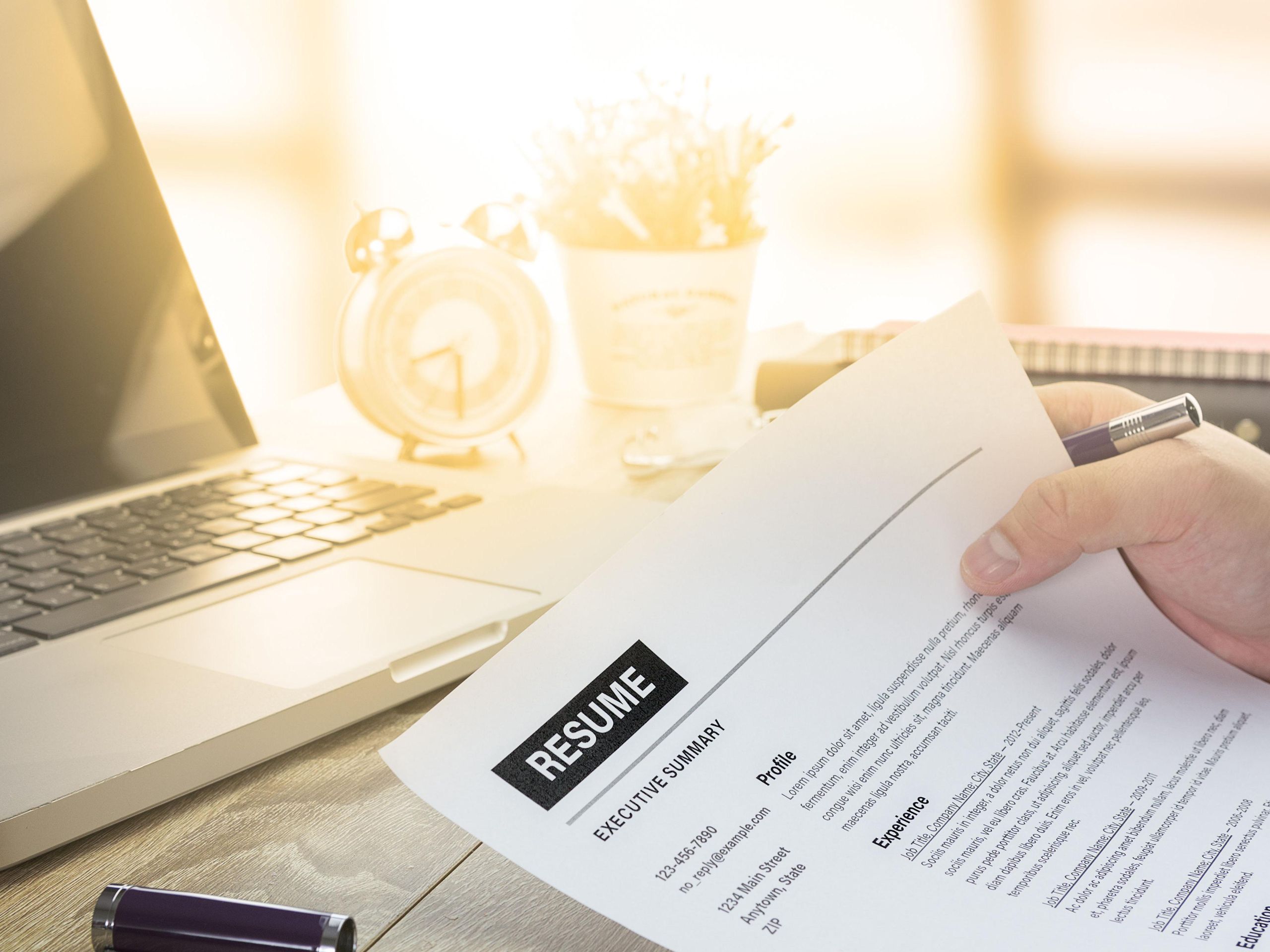
If you are starting from scratch or want a quick draft, AI can generate a full resume in seconds. A well-structured prompt that includes your job role, experience level, and industry allows the AI to create sections such as a professional summary, skills, work experience, and education. This provides a strong foundation that you can refine further based on your personal achievements and career goals.
Writing a Strong Resume Summary
The resume summary is one of the most important sections because it is the first thing recruiters see. A well-crafted summary highlights your key strengths, experience, and career direction in a few lines. AI can help you create a compelling summary that captures attention and encourages recruiters to continue reading, especially when you include your main skills and accomplishments in the prompt.
Improving Work Experience Descriptions
Many job seekers make the mistake of listing responsibilities instead of achievements in their work experience section. AI can help rewrite your experience to focus on measurable results and impactful contributions. By turning basic duties into achievement-driven statements, your resume becomes more persuasive and demonstrates the value you can bring to an organization.
Optimizing Skills for ATS
Skills play a critical role in determining whether your resume passes ATS screening. AI can generate a list of relevant technical and soft skills tailored to your target job role and industry. This ensures your resume includes the right keywords that recruiters and automated systems are looking for, improving your chances of getting shortlisted.
Creating a Resume for Freshers
For freshers or candidates with little experience, building a strong resume can be challenging. AI can help by focusing on education, projects, internships, and transferable skills. This allows you to present your potential effectively, even if you do not have extensive work experience, and makes your profile more appealing to employers.
Tailoring Your Resume for Job Applications
One of the most effective ways to improve your chances of getting hired is by customizing your resume for each job application. AI can analyze a job description and adjust your resume to highlight the most relevant skills and experiences. This targeted approach makes your application more aligned with employer expectations and increases the likelihood of securing an interview.
Enhancing Impact with Better Language
The language used in your resume can significantly influence how it is perceived. AI can replace weak or generic phrases with strong action verbs and impactful statements that clearly communicate your achievements. This makes your resume more dynamic and engaging, helping you stand out from other candidates.
Formatting for Professional Presentation
A well-formatted resume improves readability and leaves a positive impression on recruiters. AI can structure your resume with clear headings, bullet points, and a clean layout that is both visually appealing and ATS-friendly. Proper formatting ensures that your information is easy to scan and understand quickly.
Common Mistakes to Avoid
While AI is a powerful tool, relying on it without proper input can lead to ineffective results. Using vague prompts, including unnecessary information, failing to customize your resume, and ignoring measurable achievements are common mistakes that can reduce your chances of success. It is important to review and refine AI-generated content to ensure it accurately reflects your experience and goals.
FAQ
Who should use Digital Tools
Powerful AI Prompts to Create a Job-Winning Resume in Minutes is built for readers who want a faster way to finish everyday web tasks. The main goal is shorter workflows, clearer outputs, and reusable tool habits, so the guide focuses on practical choices instead of broad theory.
Use it when you need one of these outcomes:
- testing a task before choosing a heavier app
- saving time on a repeated browser workflow
- combining a guide with a related AltFTool utility
How to get a better result
- Read the core use case and decide what output you need.
- Open the related AltFTool utility and test it with a small sample.
- Review the result, adjust settings, and repeat only if needed.
- Continue with related tools or guides for the next step in the workflow.
Start small, check the first output, and only then repeat the workflow with the full file, text, media, or game session. That gives you a quick quality check before you spend more time.
Quality checks before you trust the output
- the input is clean before running the tool
- the output matches the format you need
- private details are removed before sharing or downloading
Do not overcomplicate a simple task. Start with the smallest sample that proves the workflow, then scale up once the output looks right.
Continue your workflow
If you want to try the workflow now, open the related AltFTool tool area. For more reading, continue through the Digital Tools archive or the AltFTool tools directory.
This creates a cleaner path from explanation to action: read the guide, test the tool, compare the output, and move into the next related AltFTool resource only when it helps the task.
Reader questions
Quick answers
What is Powerful AI Prompts to Create a Job-Winning Resume in Minutes about?
Creating a resume that stands out in today’s competitive job market can feel overwhelming, especially when recruiters spend only a few seconds scanning each app
When should I use Digital Tools?
Use Digital Tools when you need testing a task before choosing a heavier app or saving time on a repeated browser workflow. It is best for shorter workflows, clearer outputs, and reusable tool habits.
How do I get better results from Digital Tools?
Start with a small sample, then check that the input is clean before running the tool and the output matches the format you need. Review the output before using it in a final workflow.
Where can I find more Digital Tools guides?
Use the AltFTool blog archive, AltFTool tools directory, and related links on this page to explore more Digital Tools tutorials, tool workflows, and practical recommendations.
Sources and review notes
References used to check facts, freshness, and reader-safe recommendations in this guide.
Reviewed against AltFTool editorial guidance, related site archives, and linked tool pages for freshness and reader usefulness.
- 1AltFTool Digital Tools archive
AltFTool
- 2AltFTool tools directory
AltFTool
Discussion
0 comments
No comments yet
Discussion will appear here once it loads.