
Video content has become one of the most powerful ways to communicate online. Whether you’re creating content for social media, YouTube, or personal projects, video editing is a skill that can make your content stand out. But if you’re just starting, choosing the right tools can feel confusing.
The good news is—you don’t need complicated software or years of experience to begin. Today’s video editing tools are designed to be beginner-friendly while still offering powerful features. In this guide, we’ll explore the best video editing tools for beginners and help you choose the right one to start your journey.
Why Choosing the Right Tool Matters

When you’re new to video editing, the tool you use can either make learning easy or frustrating. Beginner-friendly tools help you:
- Learn faster with simple interfaces
- Edit videos without feeling overwhelmed
- Focus on creativity instead of technical complexity
- Build confidence as you improve
Starting with the right software sets the foundation for your growth.
Top Video Editing Tools for Beginners
Here are some of the best beginner-friendly video editing tools you can start using today:
1. CapCut
CapCut is one of the most popular tools for beginners, especially for short-form content like reels and TikTok videos.
Why it’s great for beginners:
- Simple drag-and-drop interface
- Pre-built templates and effects
- Easy export options
Best for: Social media creators and quick edits
2. Filmora
Filmora offers a perfect balance between simplicity and advanced features.
Why it’s great for beginners:
- Clean and easy interface
- Built-in transitions and effects
- Step-by-step learning curve
Best for: Beginners who want to grow into advanced editing
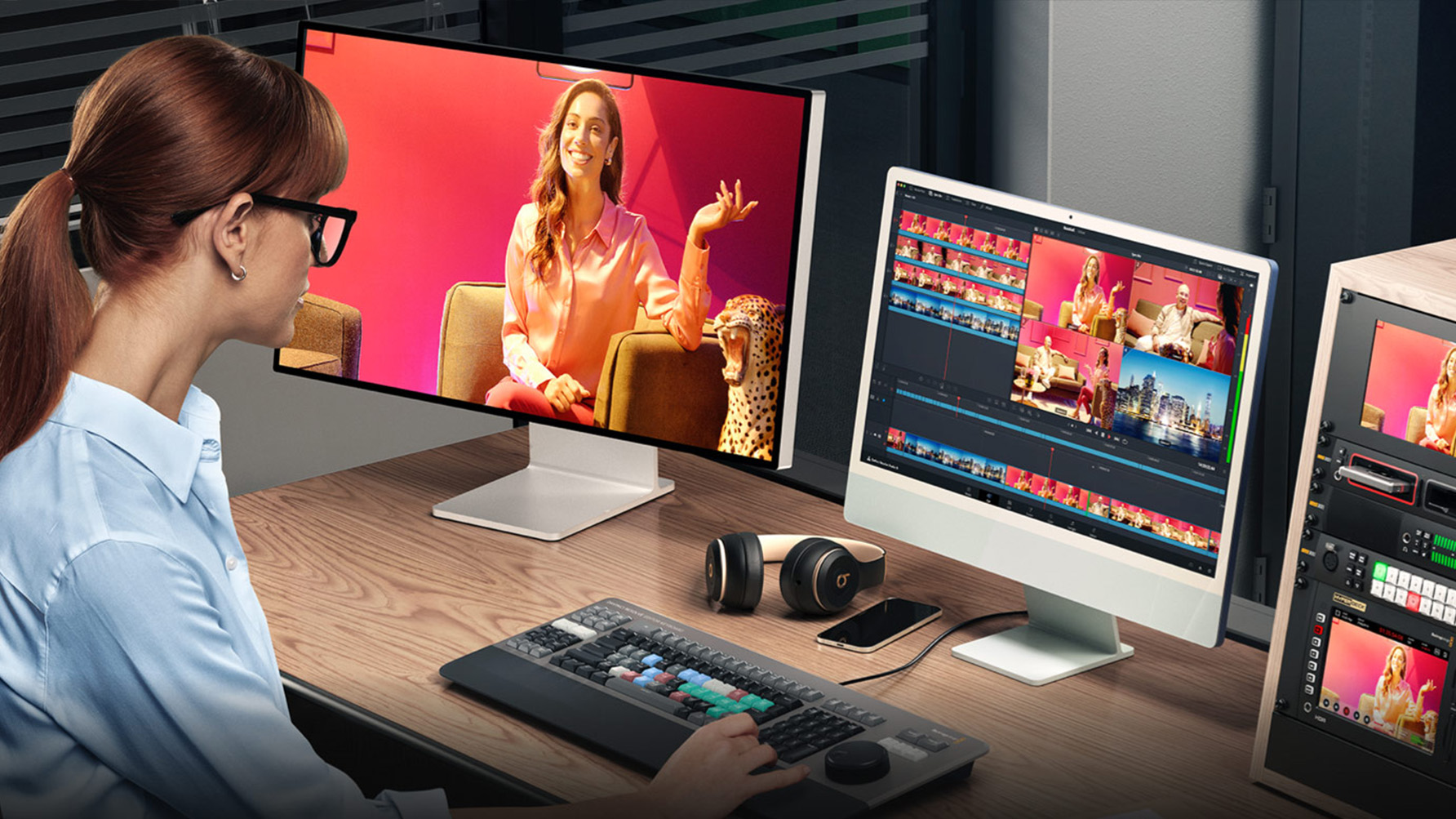
3. DaVinci Resolve
DaVinci Resolve is a powerful free tool used by professionals, but beginners can also learn it with practice.
Why it’s great for beginners:
- Free version with advanced features
- Professional-level editing tools
- Excellent color grading
Best for: Beginners who want to learn professional editing
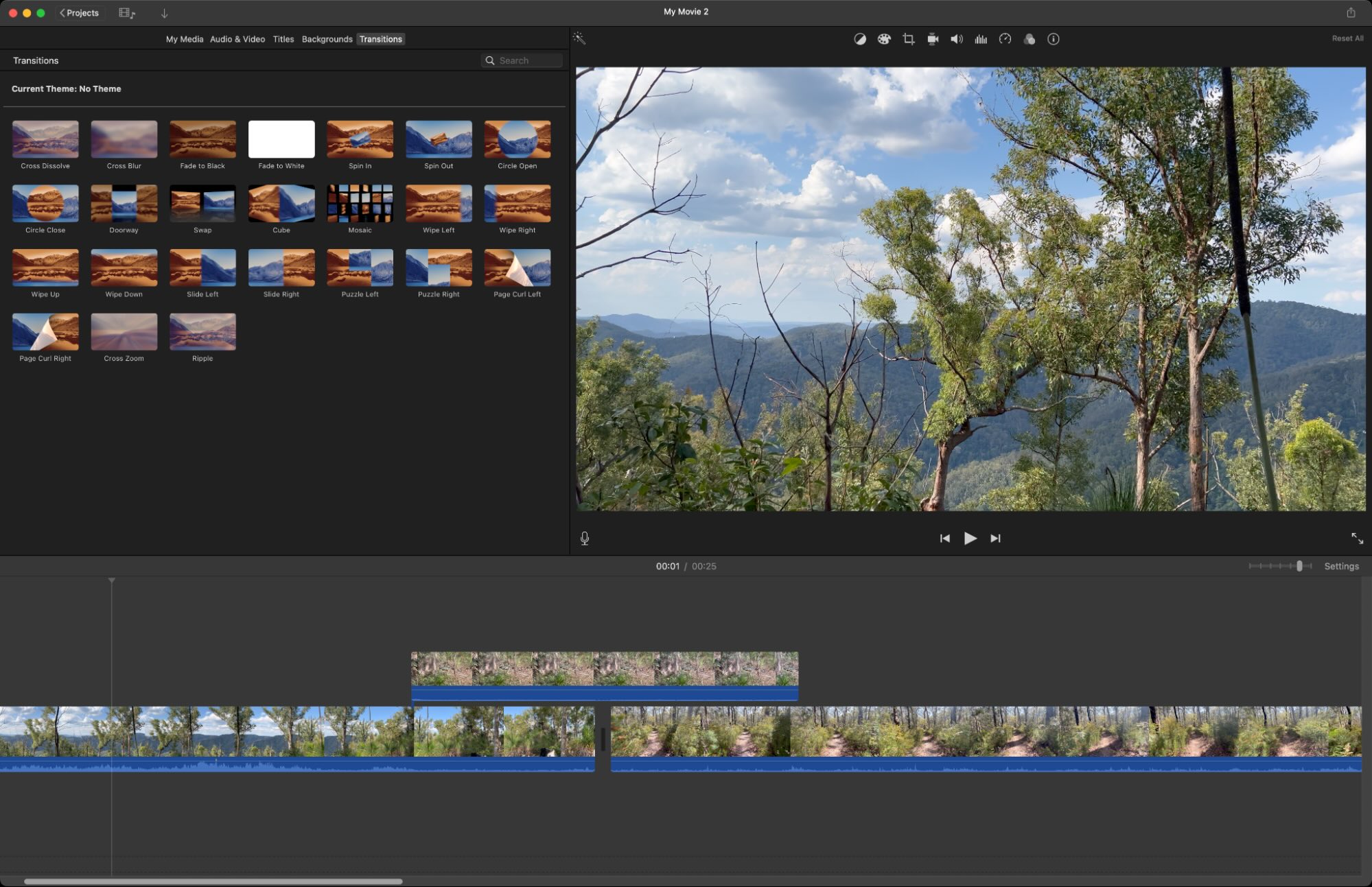
4. iMovie
iMovie is a simple and effective editing tool available for Apple users.
Why it’s great for beginners:
- User-friendly interface
- Smooth performance
- Built-in templates and themes
Best for: Mac and iPhone users
5. Adobe Premiere Pro
Although more advanced, Adobe Premiere Pro is worth mentioning for beginners who want to go professional.
Why it’s great for beginners:
- Industry-standard software
- Endless tutorials available
- Advanced editing capabilities
Best for: Serious learners aiming for professional editing
Free vs Paid Tools: What Should You Choose?
Choosing between free and paid tools depends on your needs.
Go for Free Tools If:
- You’re just starting out
- You want to learn basic editing
- You have a limited budget
Choose Paid Tools If:
- You need advanced features
- You plan to edit professionally
- You want faster performance and more options
You can always start free and upgrade later.
Features Beginners Should Look For
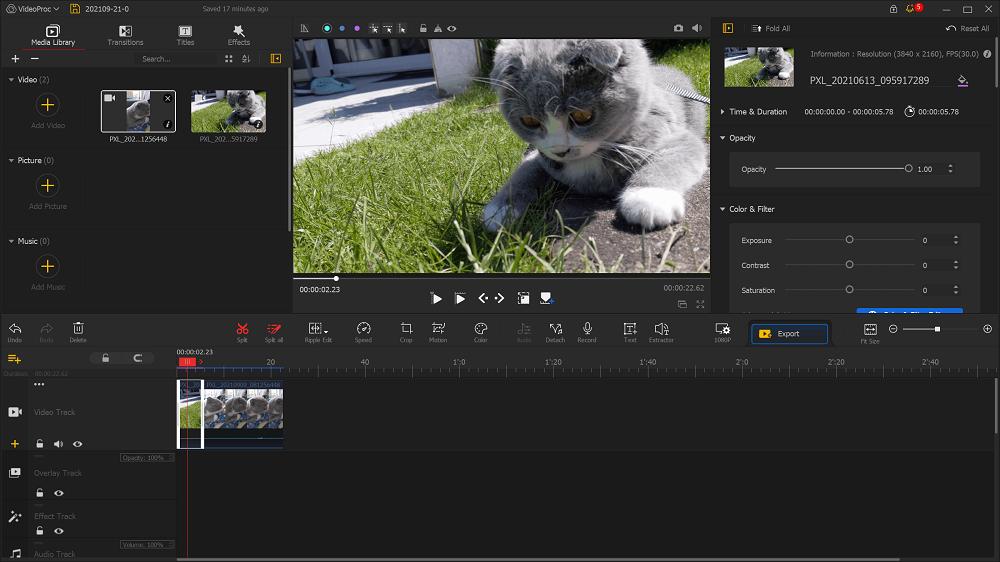
When choosing a video editing tool, look for these features:
- Easy interface: Simple layout and controls
- Drag-and-drop editing: Saves time and effort
- Basic transitions and effects: Enhances video quality
- Audio editing tools: Improves sound clarity
- Export options: Easy sharing on platforms
These features make learning smoother and faster.
Tips to Get Started with Video Editing
Here are some simple tips to help you begin:
- Start with short and simple videos
- Focus on basic cuts and transitions
- Use templates to save time
- Watch tutorials and practice regularly
- Don’t try to learn everything at once
Consistency is more important than perfection.
Common Mistakes Beginners Make
Avoid these mistakes to improve faster:
- Using too many effects
- Ignoring audio quality
- Making videos too long
- Not organizing clips properly
- Skipping basic editing steps
Keeping things simple will help you grow quickly.
How to Improve Your Skills Over Time
As you gain confidence, start exploring more features:
- Learn color correction
- Experiment with transitions
- Add text and motion graphics
- Try storytelling techniques
The more you practice, the better your videos will become.
FAQs
1. Which video editing tool is best for beginners?
CapCut and Filmora are among the best tools for beginners due to their simple interfaces and ease of use.
2. Are free video editing tools good enough?
Yes, many free tools like DaVinci Resolve offer powerful features that are more than enough for beginners.
3. Do I need a powerful computer for video editing?
Basic editing can be done on most computers, but advanced editing may require a more powerful system.
4. How long does it take to learn video editing?
You can learn the basics in a few weeks with regular practice.
5. Can I edit videos on my phone?
Yes, apps like CapCut allow you to edit videos easily on mobile devices.
6. What is the most important skill in video editing?
Understanding timing and storytelling is the most important part of video editing.
Who should use Digital Tools
Best Video Editing Tools for Beginners: Complete Guide is built for readers who want a faster way to finish everyday web tasks. The main goal is shorter workflows, clearer outputs, and reusable tool habits, so the guide focuses on practical choices instead of broad theory.
Use it when you need one of these outcomes:
- testing a task before choosing a heavier app
- saving time on a repeated browser workflow
- combining a guide with a related AltFTool utility
How to get a better result
- Read the core use case and decide what output you need.
- Open the related AltFTool utility and test it with a small sample.
- Review the result, adjust settings, and repeat only if needed.
- Continue with related tools or guides for the next step in the workflow.
Start small, check the first output, and only then repeat the workflow with the full file, text, media, or game session. That gives you a quick quality check before you spend more time.
Quality checks before you trust the output
- the input is clean before running the tool
- the output matches the format you need
- private details are removed before sharing or downloading
Do not overcomplicate a simple task. Start with the smallest sample that proves the workflow, then scale up once the output looks right.
Continue your workflow
If you want to try the workflow now, open the related AltFTool tool area. For more reading, continue through the Digital Tools archive or the AltFTool tools directory.
This creates a cleaner path from explanation to action: read the guide, test the tool, compare the output, and move into the next related AltFTool resource only when it helps the task.
Reader questions
Quick answers
What is Best Video Editing Tools for Beginners: Complete Guide about?
Video content has become one of the most powerful ways to communicate online. Whether you’re creating content for social media, YouTube, or personal projects, v
When should I use Digital Tools?
Use Digital Tools when you need testing a task before choosing a heavier app or saving time on a repeated browser workflow. It is best for shorter workflows, clearer outputs, and reusable tool habits.
How do I get better results from Digital Tools?
Start with a small sample, then check that the input is clean before running the tool and the output matches the format you need. Review the output before using it in a final workflow.
Where can I find more Digital Tools guides?
Use the AltFTool blog archive, AltFTool tools directory, and related links on this page to explore more Digital Tools tutorials, tool workflows, and practical recommendations.
Sources and review notes
References used to check facts, freshness, and reader-safe recommendations in this guide.
Reviewed against AltFTool editorial guidance, related site archives, and linked tool pages for freshness and reader usefulness.
- 1AltFTool Digital Tools archive
AltFTool
- 2AltFTool tools directory
AltFTool
Discussion
0 comments
No comments yet
Discussion will appear here once it loads.