
Ready to Edit Like a Pro in 2026?
In today’s fast-paced digital world, creating visually appealing content is no longer optional—it’s essential. Whether you are a content creator, influencer, photographer, or digital marketer, high-quality images play a crucial role in capturing attention and building a strong online presence, especially when combined with tools like Video Editing to create engaging multimedia content.
The good news is that getting started with photo editing in 2026 is easier than ever. With a wide range of powerful tools available, creators can now edit, enhance, and transform images without needing advanced technical skills, particularly when using modern Smart Devices that support advanced editing apps and smooth performance.
But where should you begin? With so many tools on the market, choosing the right one can feel overwhelming. After spending 250+ hours researching and testing over 15 top photo editing tools, we’ve created this ultimate guide to help you find the best options available today.
Whether you’re editing simple social media posts or working on professional-level projects, this guide will walk you through everything you need to know, helping you streamline your workflow across Smart Devices and integrate Video Editing for a complete content creation strategy.
Key Takeaways
- Photo editing tools in 2026 are powered by AI and automation, making editing faster and smarter
- Beginners can start with simple tools, while professionals can use advanced software
- Mobile editing apps are now powerful enough for high-quality content
- Cloud-based tools allow easy collaboration and access from anywhere
1. Understanding Your Photo Editing Needs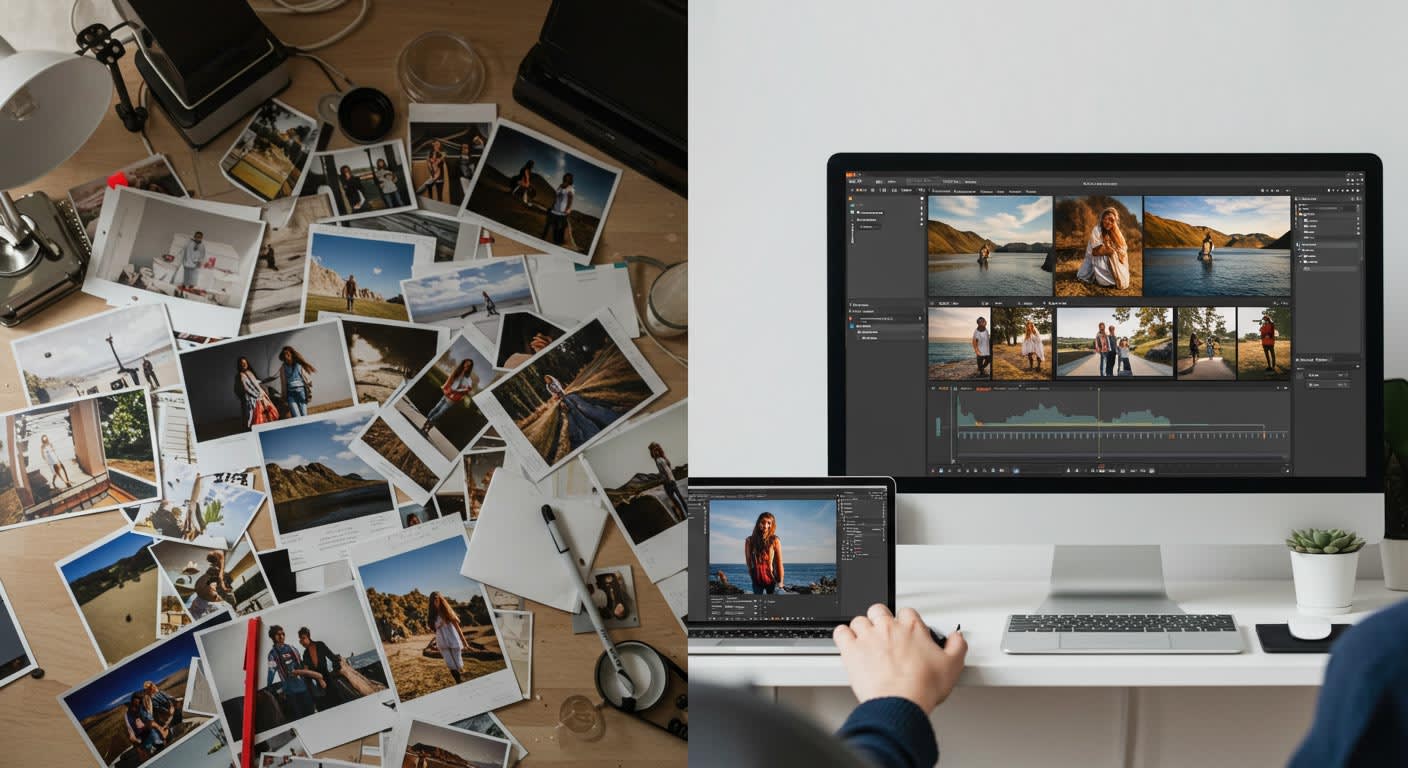
Before choosing any tool, it’s important to understand your specific needs. Not every creator requires the same features, and selecting the wrong tool can slow down your workflow.
For example, if you are a social media creator, you may need tools that offer quick filters, presets, and easy sharing options. On the other hand, professional photographers often require advanced features like color grading, retouching, and RAW image editing.
If you’re just starting your journey, it’s better to choose a beginner-friendly tool with a simple interface. As your skills grow, you can switch to more advanced software that offers deeper control.
2. Types of Photo Editing Tools Available in 2026
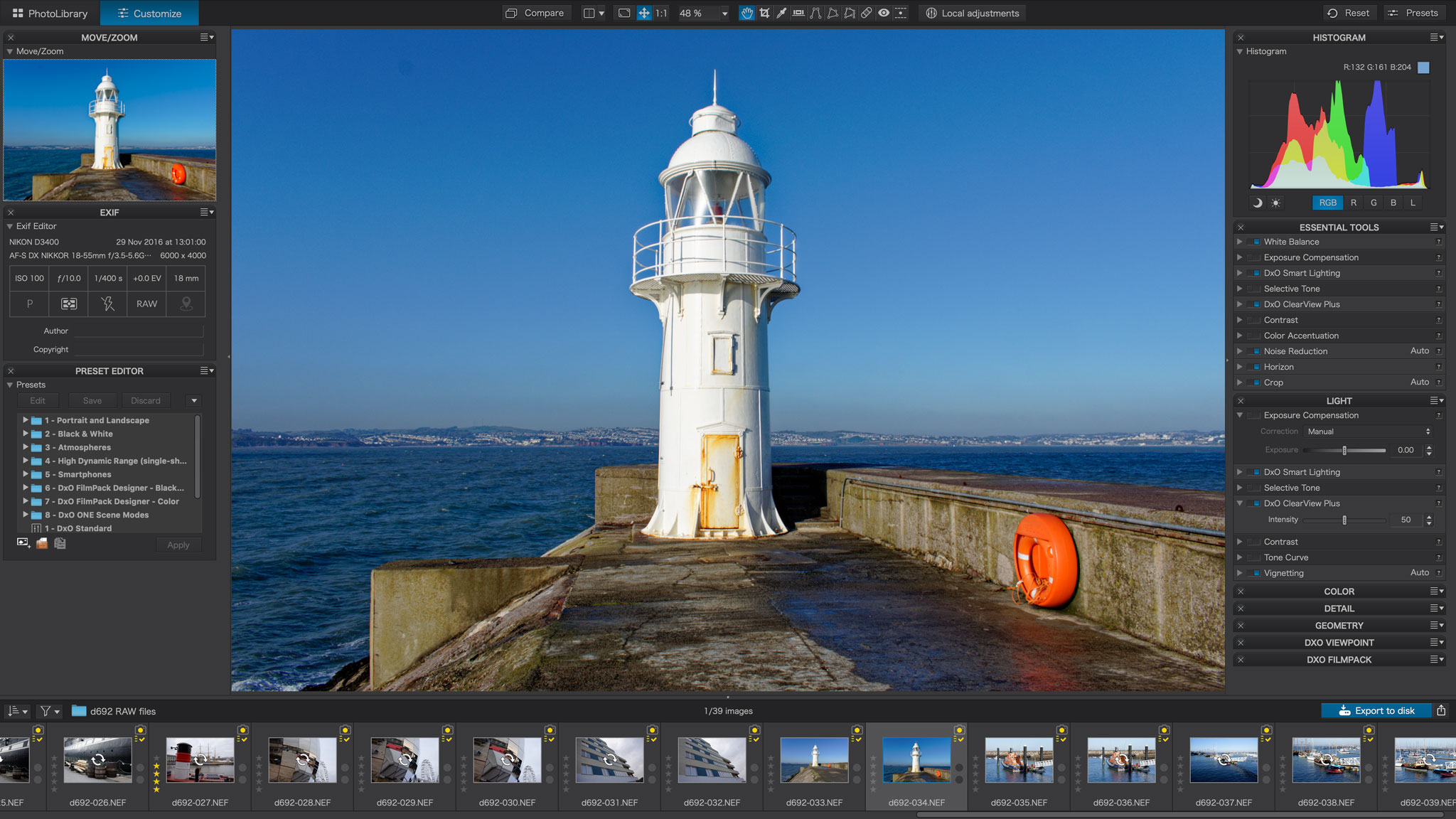
The photo editing landscape has evolved significantly. Today, creators can choose from multiple types of tools based on their needs and workflow.
All-in-One Editing Tools
These tools combine multiple features like filters, templates, text overlays, and design elements. They are perfect for beginners and content creators who want quick and professional results without spending too much time learning complex software.
Professional Editing Software
These tools are designed for advanced users and offer detailed control over editing. They include features like layers, masking, high-resolution processing, and advanced retouching.
AI-Powered Editing Tools
AI tools have revolutionized editing by automating repetitive tasks. From background removal to image enhancement, these tools can complete complex edits in seconds.
Mobile Editing Apps
With the rise of smartphones, mobile editing has become extremely popular. These apps allow creators to edit photos anytime, anywhere, making them ideal for quick content creation.
3. Best All-in-One Photo Editing Tools for Creators

All-in-one photo editing tools are an excellent choice for creators who want simplicity, speed, and efficiency in their workflow. These tools combine multiple features such as filters, templates, text overlays, and design elements into a single platform, making them ideal for beginners as well as social media creators. Instead of switching between different software, users can complete their entire editing process in one place, saving both time and effort. These platforms are especially useful for creating social media posts, marketing visuals, and blog images, as they provide ready-made templates and easy customization options. With user-friendly interfaces and drag-and-drop functionality, even those with minimal design experience can produce professional-quality visuals quickly.
4. Best Professional Photo Editing Software
Professional photo editing software is designed for creators who require precision, flexibility, and complete control over their work. These tools are widely used by photographers, designers, and creative professionals who need advanced editing capabilities. Unlike basic tools, professional software offers features such as layer-based editing, advanced color correction, high-resolution image processing, and detailed retouching options. While these tools may take time to learn, they provide unmatched quality and customization, allowing creators to achieve highly polished and professional results. For those working on complex projects or aiming to build a strong visual brand, investing in professional editing software is a valuable step toward long-term success.
5. AI-Powered Photo Editing Tools
AI-powered photo editing tools have completely transformed the way creators approach editing in 2026. These tools use artificial intelligence to automate time-consuming tasks and deliver quick, high-quality results. From automatically enhancing image quality to removing backgrounds and unwanted objects, AI tools significantly reduce manual effort. They also enable creators to generate images using text prompts, apply smart filters, and improve overall visual appeal with just a few clicks.
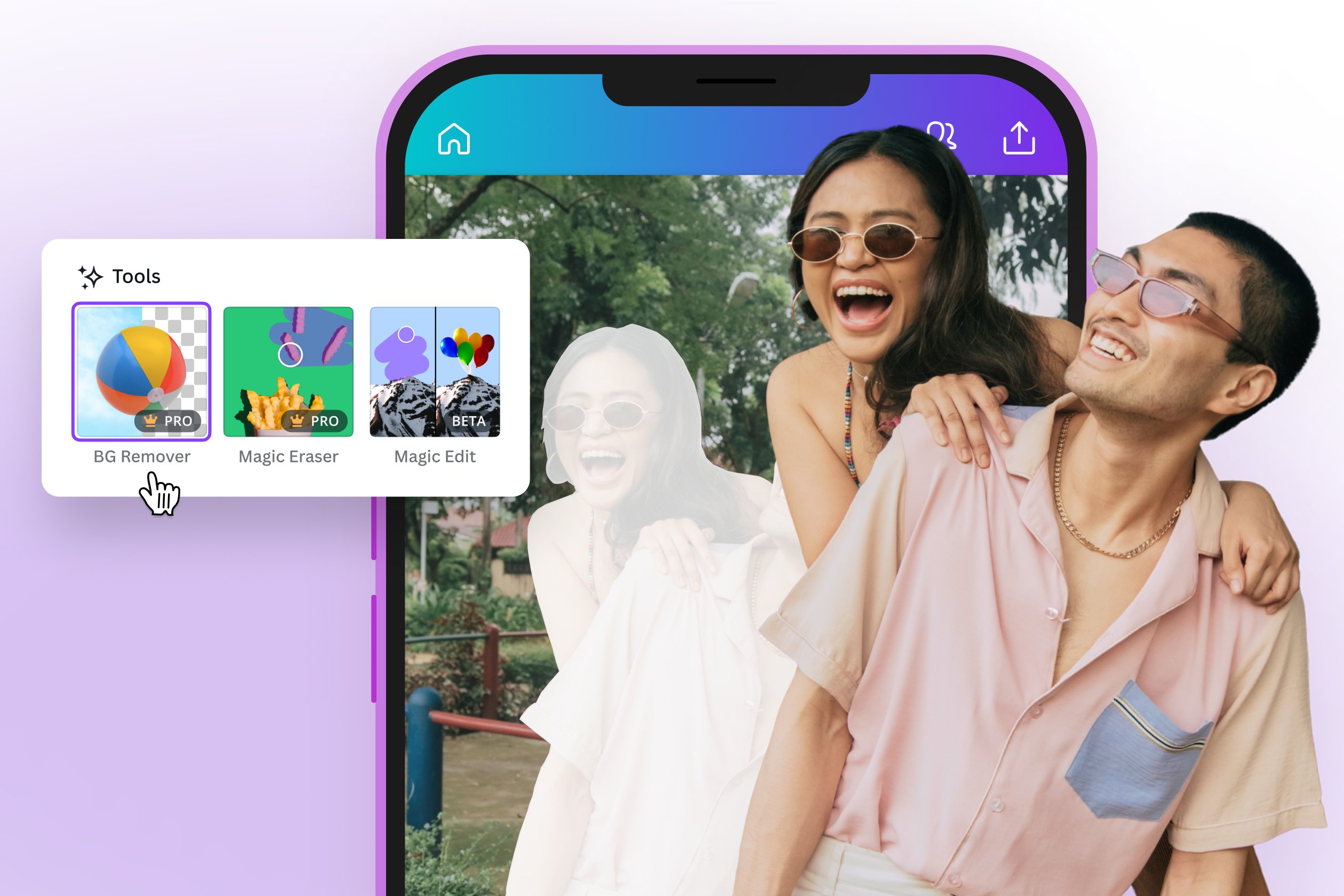 This makes them especially useful for creators who want to save time while maintaining a high standard of quality. However, while AI can speed up the process, it works best when combined with human creativity, ensuring that the final output remains unique and engaging.
6. Mobile Photo Editing Apps for Creators
Mobile photo editing apps have become an essential part of modern content creation, allowing creators to edit and publish content directly from their smartphones. These apps are designed with simplicity and convenience in mind, offering easy-to-use interfaces, quick editing tools, and seamless integration with social media platforms. Creators can apply filters, adjust lighting, and enhance images within minutes, making mobile editing perfect for on-the-go content creation. In 2026, mobile apps have become increasingly powerful, often matching the capabilities of desktop software. To ensure smooth performance and a lag-free experience, creators should rely on Affordable Devices that can handle advanced editing applications efficiently.
7. Key Features to Look For in a Photo Editing Tool
Choosing the right tool depends on several important factors. Here are the key features you should consider:
Ease of Use: A simple and intuitive interface is important, especially for beginners.
Performance: The tool should run smoothly on your device without slowing down your workflow.
AI Capabilities: AI features can save time and improve efficiency.
Cloud Support: Cloud-based tools allow you to access your projects from anywhere and collaborate with others.
Export Quality: High-resolution export options are essential for professional work.
Additionally, having reliable Internet Plans is crucial for uploading, downloading, and working with cloud-based tools without interruptions.
8. Free vs Paid Photo Editing Tools
One of the biggest decisions creators face is choosing between free and paid tools.
Free Tools
Free tools are great for beginners and basic editing. They provide essential features and are easy to use. However, they may have limitations in terms of customization and advanced options.
Paid Tools
Paid tools offer professional-grade features, better performance, and more flexibility. They are ideal for freelancers, agencies, and serious creators.
Many tools now offer freemium models, allowing users to start for free and upgrade as needed.
9. Trends in Photo Editing Tools for 2026
The photo editing industry is constantly evolving. Here are some of the biggest trends shaping 2026:
AI Integration: AI is becoming a standard feature in most editing tools, helping automate repetitive tasks.
Cloud-Based Editing: More tools are moving to the cloud, making it easier to access projects from anywhere.
Real-Time Collaboration: Teams can now work together on projects in real time, improving efficiency and communication.
Mobile-First Editing: Smartphone apps are becoming more powerful, reducing the need for desktop software.
Automation and Presets: Custom presets and automation features are helping creators maintain consistency and save time.

Photo editing tools have become an essential part of the creator ecosystem. In 2026, creators have access to a wide range of tools that cater to different skill levels and needs.
Whether you are just starting out or working as a professional, the right tools can significantly improve your workflow and the quality of your content.
The key is to experiment with different tools, understand your requirements, and choose the ones that align with your creative goals. By combining the right tools with creativity and consistency, you can create visuals that truly stand out.
FAQs
1. Which photo editing tool is best for beginners?
Beginner-friendly tools with simple interfaces and templates are the best option.
2. Are AI photo editing tools useful?
Yes, they save time and help automate complex editing tasks.
3. Can I edit photos on my phone?
Yes, mobile editing apps are powerful enough for most tasks in 2026.
4. Do I need paid tools for professional work?
Paid tools are recommended for advanced editing and high-quality output.
Who should use Digital Tools
Ultimate List of Best Photo Editing Tools for Creators is built for readers who want a faster way to finish everyday web tasks. The main goal is shorter workflows, clearer outputs, and reusable tool habits, so the guide focuses on practical choices instead of broad theory.
Use it when you need one of these outcomes:
- testing a task before choosing a heavier app
- saving time on a repeated browser workflow
- combining a guide with a related AltFTool utility
How to get a better result
- Read the core use case and decide what output you need.
- Open the related AltFTool utility and test it with a small sample.
- Review the result, adjust settings, and repeat only if needed.
- Continue with related tools or guides for the next step in the workflow.
Start small, check the first output, and only then repeat the workflow with the full file, text, media, or game session. That gives you a quick quality check before you spend more time.
Quality checks before you trust the output
- the input is clean before running the tool
- the output matches the format you need
- private details are removed before sharing or downloading
Do not overcomplicate a simple task. Start with the smallest sample that proves the workflow, then scale up once the output looks right.
Continue your workflow
If you want to try the workflow now, open the related AltFTool tool area. For more reading, continue through the Digital Tools archive or the AltFTool tools directory.
This creates a cleaner path from explanation to action: read the guide, test the tool, compare the output, and move into the next related AltFTool resource only when it helps the task.
Reader questions
Quick answers
What is Ultimate List of Best Photo Editing Tools for Creators about?
Ready to Edit Like a Pro in 2026?In today’s fast-paced digital world, creating visually appealing content is no longer optional—it’s essential. Whether you are
When should I use Digital Tools?
Use Digital Tools when you need testing a task before choosing a heavier app or saving time on a repeated browser workflow. It is best for shorter workflows, clearer outputs, and reusable tool habits.
How do I get better results from Digital Tools?
Start with a small sample, then check that the input is clean before running the tool and the output matches the format you need. Review the output before using it in a final workflow.
Where can I find more Digital Tools guides?
Use the AltFTool blog archive, AltFTool tools directory, and related links on this page to explore more Digital Tools tutorials, tool workflows, and practical recommendations.
Sources and review notes
References used to check facts, freshness, and reader-safe recommendations in this guide.
Reviewed against AltFTool editorial guidance, related site archives, and linked tool pages for freshness and reader usefulness.
- 1AltFTool Digital Tools archive
AltFTool
- 2AltFTool tools directory
AltFTool
Discussion
0 comments
No comments yet
Discussion will appear here once it loads.