
In today’s visual world, photo editing is more than just a skill—it’s a powerful way to tell stories, express creativity, and create stunning visuals that capture attention. Whether you're editing photos for social media, a blog, or professional work, learning how to edit like a pro can completely transform your images.
The best part? You don’t need to be a professional photographer or designer to get started. With the right techniques and tools, anyone can learn to edit photos beautifully. This guide will take you from beginner basics to advanced techniques in a simple, easy-to-follow way.
Understanding the Basics of Photo Editing
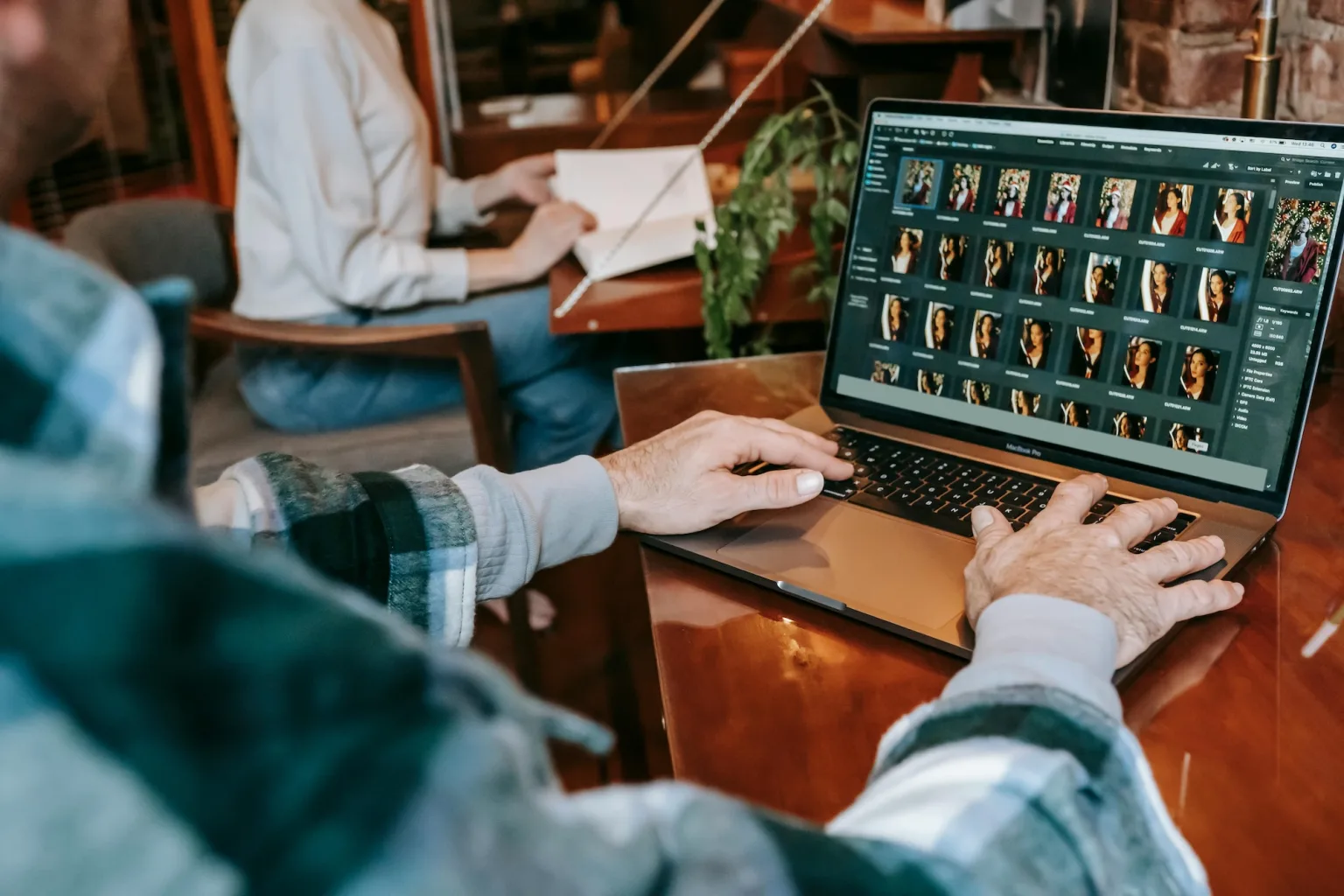
Before diving into advanced tools, it’s important to understand what photo editing really involves. At its core, photo editing is about enhancing an image—improving lighting, colors, sharpness, and overall composition.
Key Elements of Editing
- Brightness & Exposure: Controls how light or dark your image appears
- Contrast: Adds depth by adjusting highlights and shadows
- Saturation & Vibrance: Enhances or softens colors
- Sharpness: Improves detail and clarity
- Cropping & Composition: Focuses attention on the subject
Mastering these basics is the first step toward professional-looking edits.
Choosing the Right Editing Tools
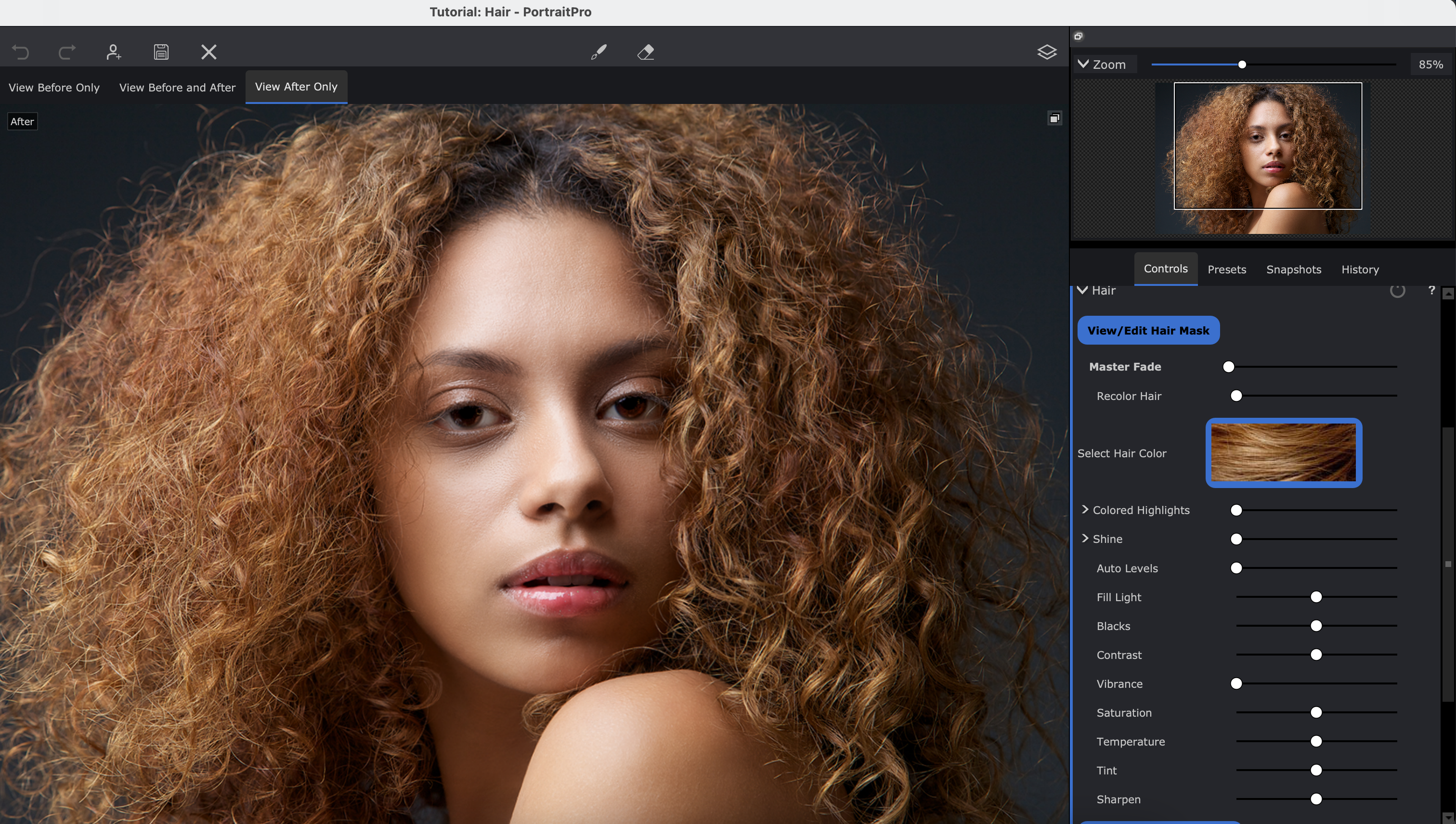
The tool you use plays a big role in your editing journey. Here are some popular options:
- Adobe Photoshop – Ideal for advanced editing and detailed work
- Adobe Lightroom – Perfect for color correction and batch editing
- Snapseed – Great for quick edits on smartphones
- Canva – Beginner-friendly and easy to use
Start with simple tools and gradually explore more advanced ones as your confidence grows.
Beginner-Level Editing Techniques
If you're just starting out, focus on simple adjustments that make a big difference.
1. Crop and Straighten
Remove unnecessary elements and align your image properly. A clean composition instantly improves quality.
2. Adjust Lighting
Increase brightness slightly and balance exposure. Avoid overexposing your image.
3. Enhance Colors
Boost vibrance instead of saturation for a more natural look.
4. Apply Filters Carefully
Filters can be helpful, but don’t overuse them. Subtle edits always look more professional.
Intermediate Editing Skills
Once you’re comfortable with the basics, it’s time to refine your skills.
1. Color Grading
This involves adjusting colors to create a specific mood or tone. Warm tones create a cozy feel, while cool tones give a calm, modern vibe.
2. Selective Editing
Instead of editing the whole image, adjust specific areas—like brightening a face or darkening the background.
3. Background Cleanup
Remove distractions or unwanted objects to make your subject stand out.
4. Improve Details
Enhance textures and sharpness, but keep it natural. Over-editing can ruin the image.
Advanced Pro-Level Techniques

Now let’s move to techniques used by professionals.
1. Layer Editing
Using layers (especially in tools like Photoshop) allows you to make complex edits without affecting the original image.
2. Retouching
Smooth skin, remove blemishes, and enhance features—but always aim for a natural look.
3. Light and Shadow Control
Professional editors carefully adjust highlights and shadows to add depth and drama.
4. Advanced Color Correction
Fine-tune individual colors to create a polished and consistent look across your images.
Common Mistakes to Avoid
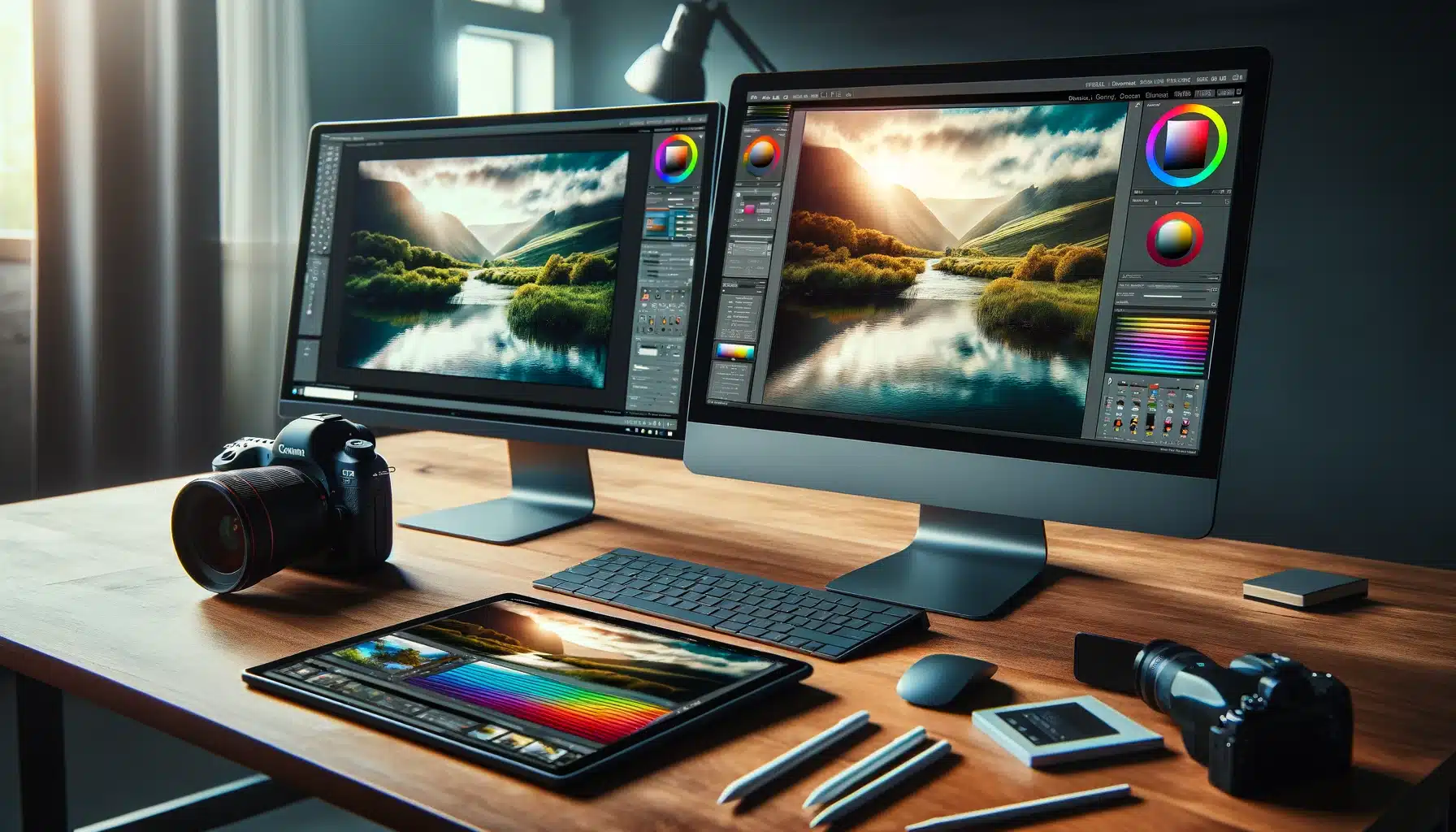
Even good editors make mistakes. Here are some to watch out for:
- Over-editing photos
- Using too many filters
- Ignoring natural skin tones
- Over-sharpening images
- Not maintaining consistency
Remember, less is often more when it comes to photo editing.
Tips to Edit Photos Like a Pro
- Always start with a good-quality image
- Keep your edits subtle and realistic
- Develop a consistent editing style
- Learn keyboard shortcuts for faster editing
- Practice regularly with different types of photos
Consistency and practice are the keys to improvement.
Creating Your Own Editing Style

As you grow, you’ll start developing your own editing style. This is what makes your photos unique.
Try experimenting with:
- Different color tones
- Lighting effects
- Editing presets
Over time, your style will become your signature.
Why Photo Editing Matters
Photo editing is not just about making pictures look good—it’s about storytelling. A well-edited photo can evoke emotions, highlight details, and create a strong visual impact.
Whether you're a content creator, blogger, or business owner, good editing can help you stand out in a crowded digital space.
FAQs
1. Can beginners learn photo editing easily?
Yes, photo editing is easy to learn with practice and the right tools. Start with basic adjustments and gradually move to advanced techniques.
2. Which app is best for beginner photo editing?
Apps like Snapseed and Canva are great for beginners due to their simple interfaces.
3. How long does it take to learn professional photo editing?
It depends on your practice. With regular effort, you can see significant improvement within a few months.
4. Is Photoshop necessary for pro editing?
No, it’s not mandatory. While Photoshop is powerful, tools like Lightroom and mobile apps can also deliver professional results.
5. What is the biggest mistake in photo editing?
Over-editing is the most common mistake. Keeping edits natural is key to professional results.
6. How can I improve my editing skills faster?
Practice daily, learn from tutorials, experiment with styles, and analyze professional edits.
Who should use Digital Tools
Pro-Level Photo Editing Made Simple: Beginner to Expert Guide is built for readers who want a faster way to finish everyday web tasks. The main goal is shorter workflows, clearer outputs, and reusable tool habits, so the guide focuses on practical choices instead of broad theory.
Use it when you need one of these outcomes:
- testing a task before choosing a heavier app
- saving time on a repeated browser workflow
- combining a guide with a related AltFTool utility
How to get a better result
- Read the core use case and decide what output you need.
- Open the related AltFTool utility and test it with a small sample.
- Review the result, adjust settings, and repeat only if needed.
- Continue with related tools or guides for the next step in the workflow.
Start small, check the first output, and only then repeat the workflow with the full file, text, media, or game session. That gives you a quick quality check before you spend more time.
Quality checks before you trust the output
- the input is clean before running the tool
- the output matches the format you need
- private details are removed before sharing or downloading
Do not overcomplicate a simple task. Start with the smallest sample that proves the workflow, then scale up once the output looks right.
Continue your workflow
If you want to try the workflow now, open the related AltFTool tool area. For more reading, continue through the Digital Tools archive or the AltFTool tools directory.
This creates a cleaner path from explanation to action: read the guide, test the tool, compare the output, and move into the next related AltFTool resource only when it helps the task.
Reader questions
Quick answers
What is Pro-Level Photo Editing Made Simple: Beginner to Expert Guide about?
In today’s visual world, photo editing is more than just a skill—it’s a powerful way to tell stories, express creativity, and create stunning visuals that captu
When should I use Digital Tools?
Use Digital Tools when you need testing a task before choosing a heavier app or saving time on a repeated browser workflow. It is best for shorter workflows, clearer outputs, and reusable tool habits.
How do I get better results from Digital Tools?
Start with a small sample, then check that the input is clean before running the tool and the output matches the format you need. Review the output before using it in a final workflow.
Where can I find more Digital Tools guides?
Use the AltFTool blog archive, AltFTool tools directory, and related links on this page to explore more Digital Tools tutorials, tool workflows, and practical recommendations.
Sources and review notes
References used to check facts, freshness, and reader-safe recommendations in this guide.
Reviewed against AltFTool editorial guidance, related site archives, and linked tool pages for freshness and reader usefulness.
- 1AltFTool Digital Tools archive
AltFTool
- 2AltFTool tools directory
AltFTool
Discussion
0 comments
No comments yet
Discussion will appear here once it loads.