
With the growing importance of digital presence, social media has become a powerful platform for brands, businesses, and creators. In 2026, creating professional social media posts is no longer optional—it’s essential for building engagement, increasing reach, and establishing a strong brand identity through effective Creative Design strategies.
After analyzing the latest trends, testing popular tools, and studying high-performing content across platforms, we’ve created this complete guide to help you design social media posts like a pro—even if you’re a beginner. This includes tips on creating visuals and editing Photos Like a professional designer to enhance overall quality.
Whether you’re managing a business page, building a personal brand, or working as a designer, mastering the art of professional social media design will help you stand out in a crowded digital space. By focusing on Creative Design techniques and crafting Photos Like high-performing brands, you can significantly improve your content’s impact and engagement.
How We Analyzed Social Media Design Strategies
To give you the most practical and effective insights, we followed a structured approach:
- 15+ design tools tested including beginner and pro platforms
- 5 key focus areas – design quality, engagement, ease of use, AI features, and speed
- 200+ posts analyzed from trending brands and creators
- Real-world testing to evaluate what actually works in 2026
Key Takeaways
- Consistency in colors, fonts, and layout is key to building a strong brand identity
- AI tools make designing faster and easier, especially for beginners
- High-quality visuals and clear messaging improve engagement
- Using templates can save time while maintaining professionalism
- The right combination of tools and creativity delivers the best results
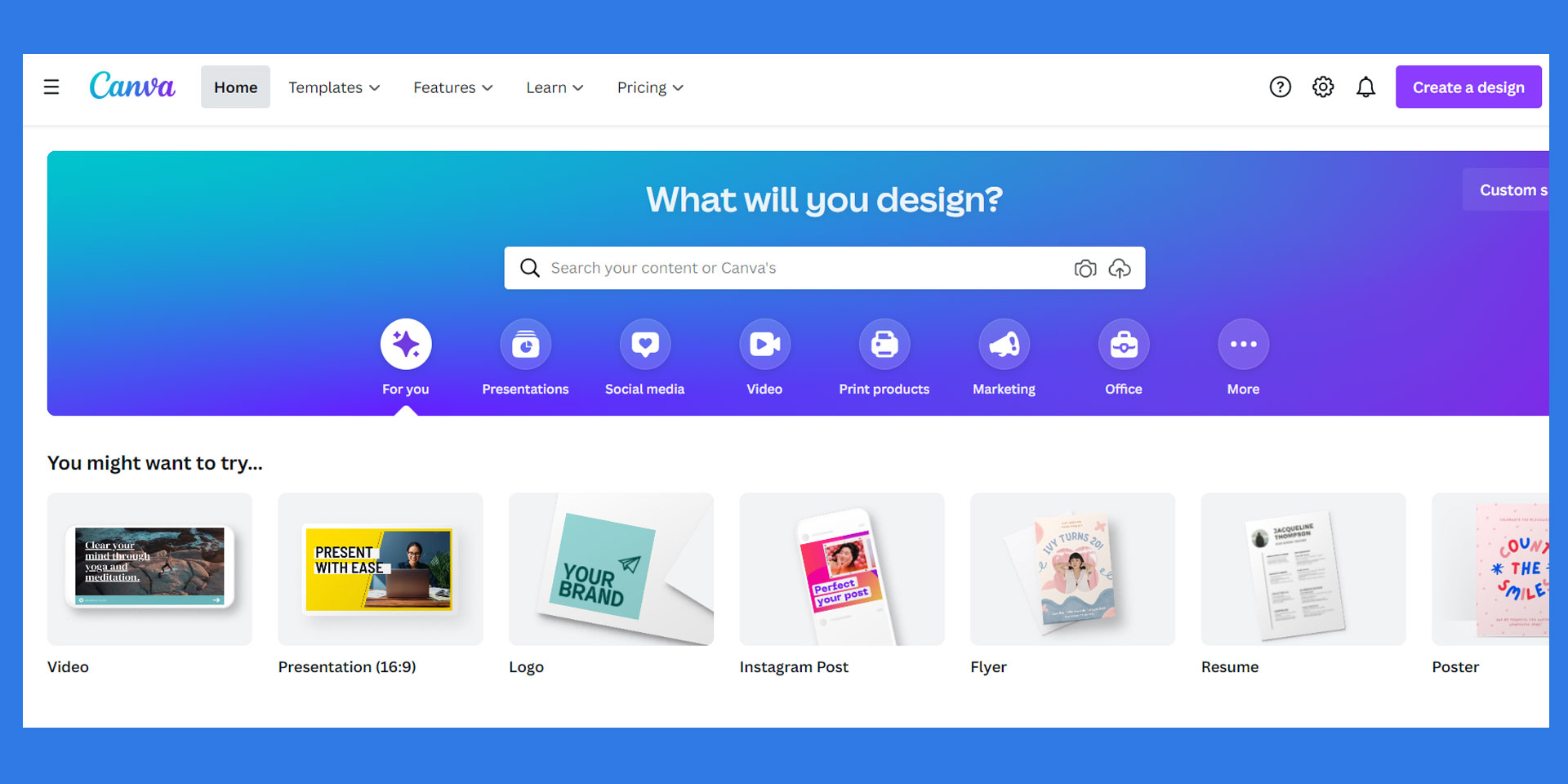
1 Canva: Best Tool for Quick & Professional Posts
Starting price: Free
AI features: Yes
Canva is one of the most popular tools for creating social media posts quickly and efficiently. Its drag-and-drop interface and ready-made templates make it ideal for beginners and marketers.
✔️ Pros
- Easy to use for beginners
- Thousands of templates available
- AI design suggestions and auto-resize feature
❌ Cons
- Limited customization for advanced users
- Some premium elements require a paid plan
Why Use Canva in 2026?
Canva allows you to create professional-looking posts in minutes. With features like brand kits and AI-generated layouts, it ensures consistency and saves time.
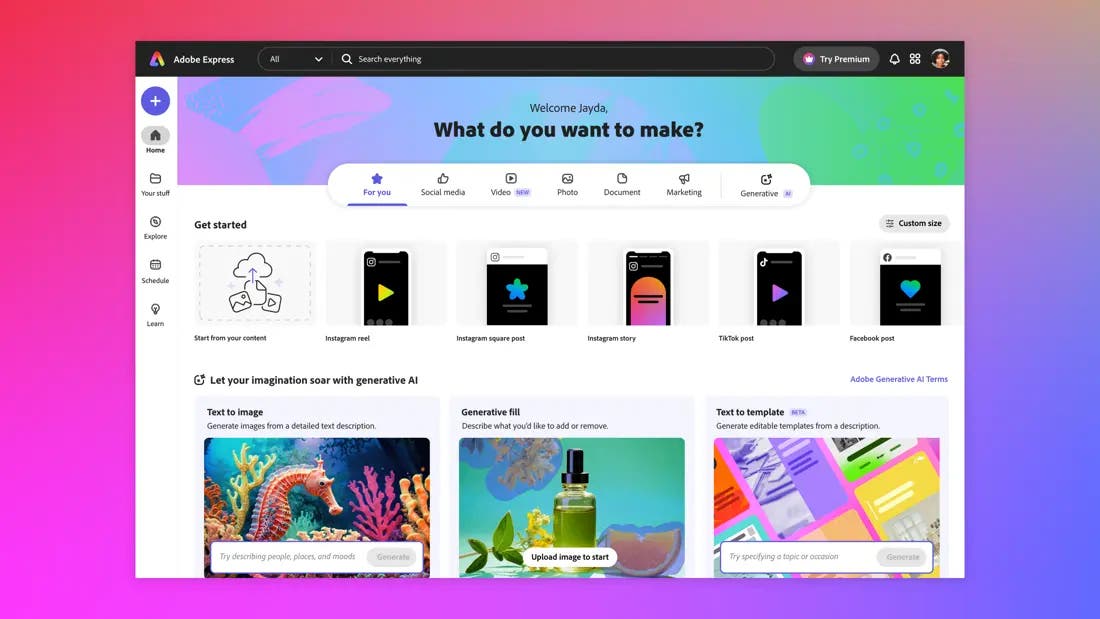
2 Adobe Express: Best for Creative Flexibility
Starting price: Free
AI features: Yes
Adobe Express offers more creative control compared to basic tools while still being beginner-friendly. It bridges the gap between simple design tools and professional software.
✔️ Pros
- High-quality design assets
- Integration with Adobe tools
- Advanced editing features
❌ Cons
- Slight learning curve for beginners
- Limited templates compared to Canva
Why Use Adobe Express in 2026?
It’s perfect for users who want professional-level designs without using complex software like Photoshop.
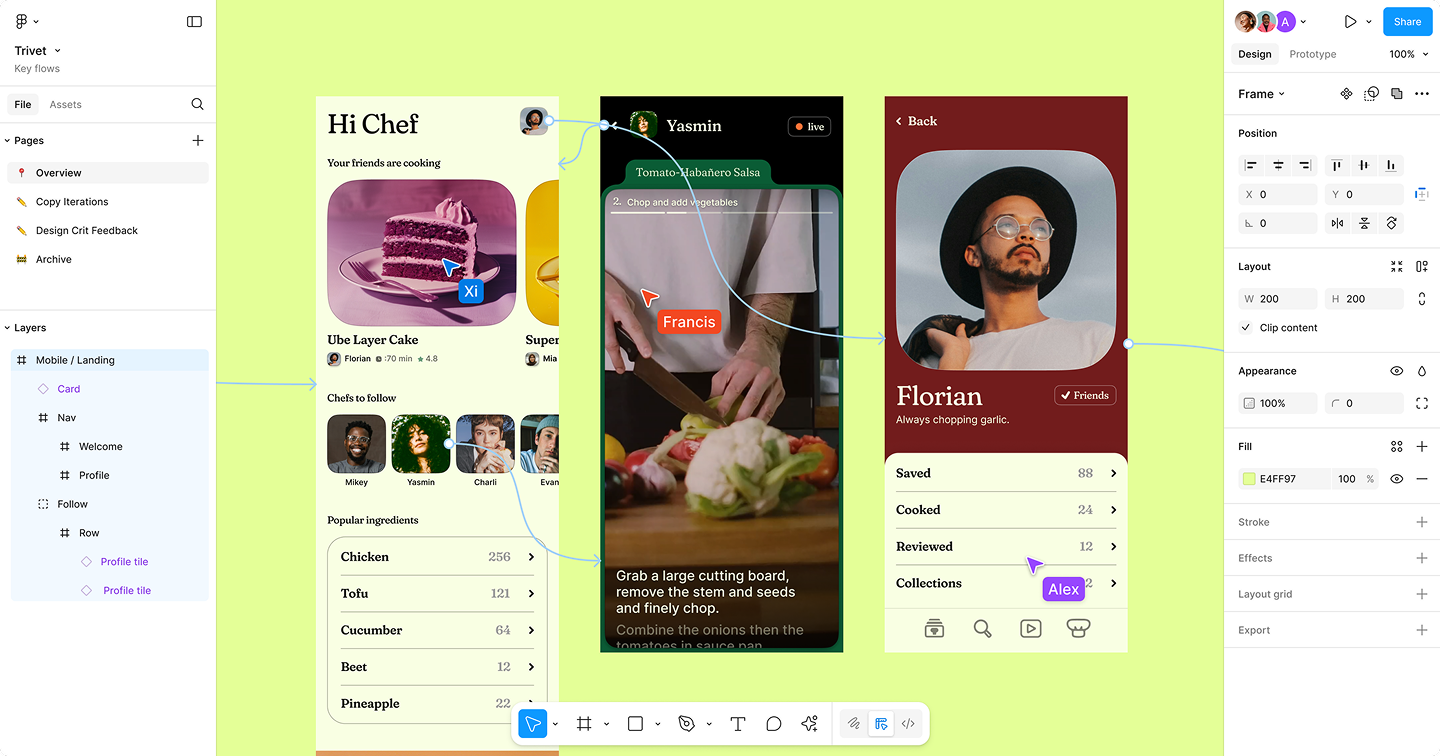
3 Figma: Best for Team Collaboration
Starting price: Free
AI features: Limited
Figma is ideal for teams working together on social media campaigns. It allows real-time collaboration and feedback.
✔️ Pros
- Real-time collaboration
- Cloud-based access
- Great for design systems
❌ Cons
- Requires internet connection
- Not beginner-focused
Why Use Figma in 2026?
If you’re working in a team or agency, Figma helps streamline workflow and ensures consistency across designs.
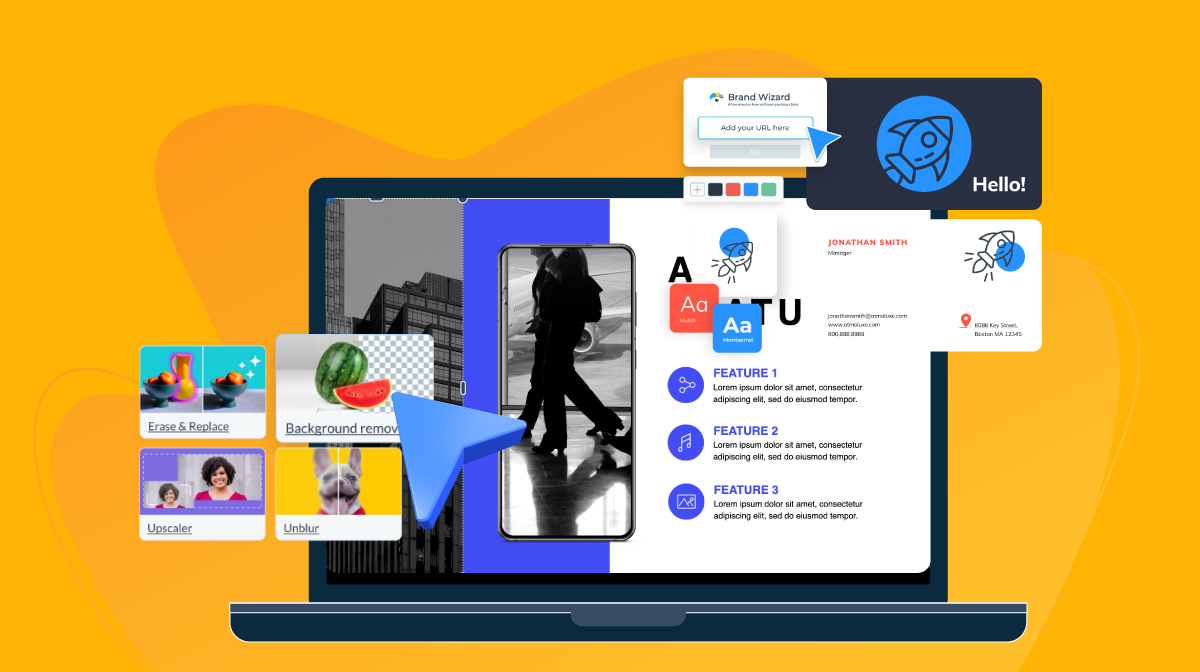
4 AI Design Tools: Best for Fast Content Creation
Starting price: Varies
AI features: Advanced
AI tools are revolutionizing social media design. They can generate layouts, captions, and visuals instantly.
✔️ Pros
- Saves time
- Generates creative ideas instantly
- Automates repetitive tasks
❌ Cons
- Limited control over final output
- May require editing for accuracy
Why Use AI Tools in 2026?
AI tools help you create content faster and experiment with new ideas, making them essential for modern designers.
Step-by-Step Process to Create Professional Posts
1. Define Your Goal: Before designing, understand the purpose of your post—whether it’s to inform, promote, or engage.
2. Choose the Right Dimensions: Each platform has different size requirements. Using the correct dimensions ensures your design looks professional.
3. Use High-Quality Visuals: Always use clear, high-resolution images or graphics. Poor visuals can reduce credibility.
4. Maintain Brand Consistency: Stick to a consistent color palette, fonts, and style. This helps in building a recognizable brand identity.
5. Add Clear and Engaging Text: Your message should be simple, readable, and impactful. Avoid cluttering your design with too much text.
6. Use White Space Effectively: Spacing improves readability and gives your design a clean, professional look.
7. Optimize for Mobile: Most users view social media on mobile devices, so ensure your design looks good on smaller screens.
Common Mistakes to Avoid
Even experienced designers can make mistakes. Avoid these common issues:
- Overloading designs with too many elements
- Using inconsistent fonts and colors
- Ignoring alignment and spacing
- Not optimizing for mobile screens
- Using low-quality images
Trends in Social Media Design for 2026
- Minimalist designs with clean layouts
- Bold typography to grab attention
- AI-generated visuals for faster creation
- Short-form video content integration
- Interactive posts for higher engagement
Creating professional social media posts in 2026 is a blend of creativity, strategy, and the right tools. Whether you’re using Canva for quick designs, Adobe Express for flexibility, or AI tools for speed, the key is to stay consistent and focus on quality.
By following the right process, avoiding common mistakes, and using modern tools, you can create social media posts that not only look professional but also drive engagement and results.
Remember, great design is not just about how it looks—it’s about how effectively it communicates your message.
FAQs
Q1. Can beginners create professional social media posts?
Yes, tools like Canva make it easy for beginners to create high-quality designs.
Q2. Which tool is best for fast design?
Canva and AI tools are best for quick and efficient designs.
Q3. How important is branding in social media posts?
Very important. Consistent branding helps build trust and recognition.
Q4. Are AI tools reliable for design?
Yes, but they should be used as support tools, not complete replacements.
Q5. What makes a post professional?
Clean layout, high-quality visuals, clear messaging, and consistency.
Who should use Digital Tools
How to Create Professional Social Media Posts Like a Pro is built for readers who want a faster way to finish everyday web tasks. The main goal is shorter workflows, clearer outputs, and reusable tool habits, so the guide focuses on practical choices instead of broad theory.
Use it when you need one of these outcomes:
- testing a task before choosing a heavier app
- saving time on a repeated browser workflow
- combining a guide with a related AltFTool utility
How to get a better result
- Read the core use case and decide what output you need.
- Open the related AltFTool utility and test it with a small sample.
- Review the result, adjust settings, and repeat only if needed.
- Continue with related tools or guides for the next step in the workflow.
Start small, check the first output, and only then repeat the workflow with the full file, text, media, or game session. That gives you a quick quality check before you spend more time.
Quality checks before you trust the output
- the input is clean before running the tool
- the output matches the format you need
- private details are removed before sharing or downloading
Do not overcomplicate a simple task. Start with the smallest sample that proves the workflow, then scale up once the output looks right.
Continue your workflow
If you want to try the workflow now, open the related AltFTool tool area. For more reading, continue through the Digital Tools archive or the AltFTool tools directory.
This creates a cleaner path from explanation to action: read the guide, test the tool, compare the output, and move into the next related AltFTool resource only when it helps the task.
Reader questions
Quick answers
What is How to Create Professional Social Media Posts Like a Pro about?
With the growing importance of digital presence, social media has become a powerful platform for brands, businesses, and creators. In 2026, creating professiona
When should I use Digital Tools?
Use Digital Tools when you need testing a task before choosing a heavier app or saving time on a repeated browser workflow. It is best for shorter workflows, clearer outputs, and reusable tool habits.
How do I get better results from Digital Tools?
Start with a small sample, then check that the input is clean before running the tool and the output matches the format you need. Review the output before using it in a final workflow.
Where can I find more Digital Tools guides?
Use the AltFTool blog archive, AltFTool tools directory, and related links on this page to explore more Digital Tools tutorials, tool workflows, and practical recommendations.
Sources and review notes
References used to check facts, freshness, and reader-safe recommendations in this guide.
Reviewed against AltFTool editorial guidance, related site archives, and linked tool pages for freshness and reader usefulness.
- 1AltFTool Digital Tools archive
AltFTool
- 2AltFTool tools directory
AltFTool
Discussion
0 comments
No comments yet
Discussion will appear here once it loads.