
QR codes have become an essential part of modern digital life. Whether you are making a quick payment at a shop, opening a restaurant menu, or accessing a website, QR codes make everything faster and more convenient.
Their popularity has increased rapidly because they offer a simple, contactless way to share and access information. In this blog, you will understand what QR codes are, how they work, and how you can use them properly.
What Is a QR Code?

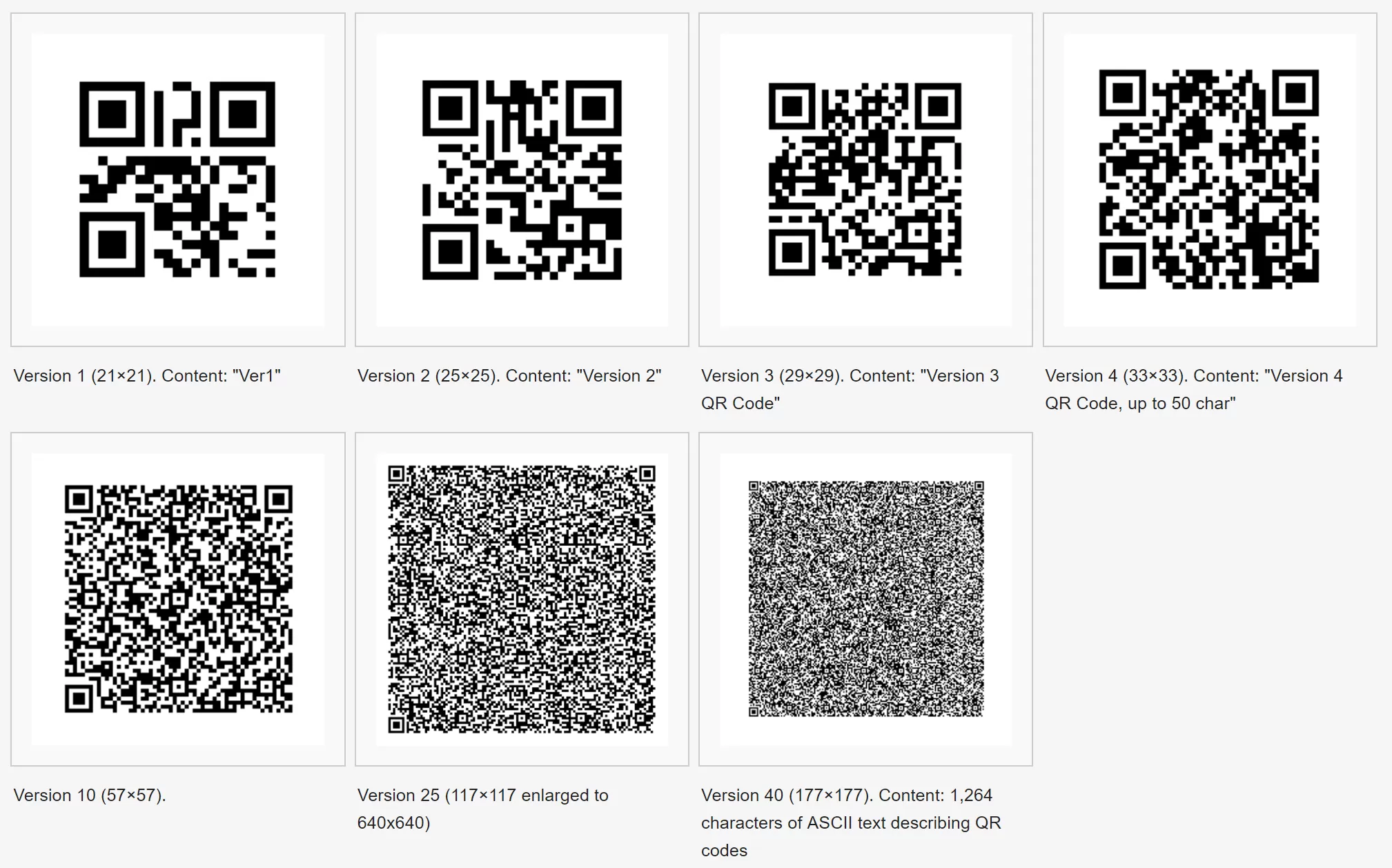
A QR Code (Quick Response Code) is a two-dimensional barcode that stores information in a square pattern made of black and white blocks. It is designed to be scanned quickly using a smartphone camera or QR scanner.
Unlike traditional barcodes, QR codes can store different types of data such as website links, text, contact details, Wi-Fi passwords, and payment information. This flexibility makes them very useful in both personal and professional use.
How Do QR Codes Work?
Even though QR codes may look complex, their working process is quite simple. They convert information into a visual pattern that machines can read and understand.
When a QR code is created, the data (for example, a website URL) is encoded into a pattern of black and white squares. These squares represent binary data. Special markers in the corners help the scanner identify the position and orientation of the code.
When you scan the QR code using your phone, the camera captures the image and the software decodes the pattern. Within seconds, the encoded information is converted back into a usable form, such as opening a website or showing text.
In simple terms, QR codes follow a basic process: information is converted into a code, the code is scanned, and the result is displayed instantly.
Types of QR Codes
There are mainly two types of QR codes, and understanding them helps you choose the right one.
Static QR Codes
Static QR codes contain fixed information. Once created, the data cannot be changed. They are simple and suitable for basic uses like sharing a link or contact details.
Dynamic QR Codes
Dynamic QR codes are more advanced. They allow you to change the content even after the code has been created. They also provide tracking features, which makes them useful for businesses and marketing campaigns.
How to Use QR Codes
Using QR codes is very easy, and almost anyone with a smartphone can use them without technical knowledge.
How to Scan a QR Code
To scan a QR code, open your smartphone camera and point it at the code. Within a second or two, a notification or link will appear on your screen. You simply need to tap it to access the content.
Most modern smartphones already have this feature built in, so you usually don’t need any additional apps.
How to Create a QR Code
Creating a QR code is also simple and takes only a few steps:
- Choose a QR code generator online
- Select the type of content (like URL, text, or Wi-Fi)
- Enter your information
- Click on generate
- Download the QR code and use it
You can print it, share it online, or add it to your business materials.
Common Uses of QR Codes
QR codes are used in many industries because they save time and make processes more efficient.
They are widely used for digital payments, especially in countries like India where UPI-based payments are very common. Businesses use QR codes in marketing to direct users to websites, offers, or product pages. Restaurants use them to display digital menus, reducing the need for printed menus.
In education, QR codes help teachers and students share notes, videos, and learning materials easily. They are also used in events for ticket verification and entry management.
Benefits of QR Codes
QR codes have several advantages that make them popular across different sectors:
- Fast and instant access to information
- Contactless and safe to use
- Can store a large amount of data
- Easy to create and use
- Cost-effective for businesses
These benefits make QR codes a powerful tool for communication and interaction.
Are QR Codes Safe?
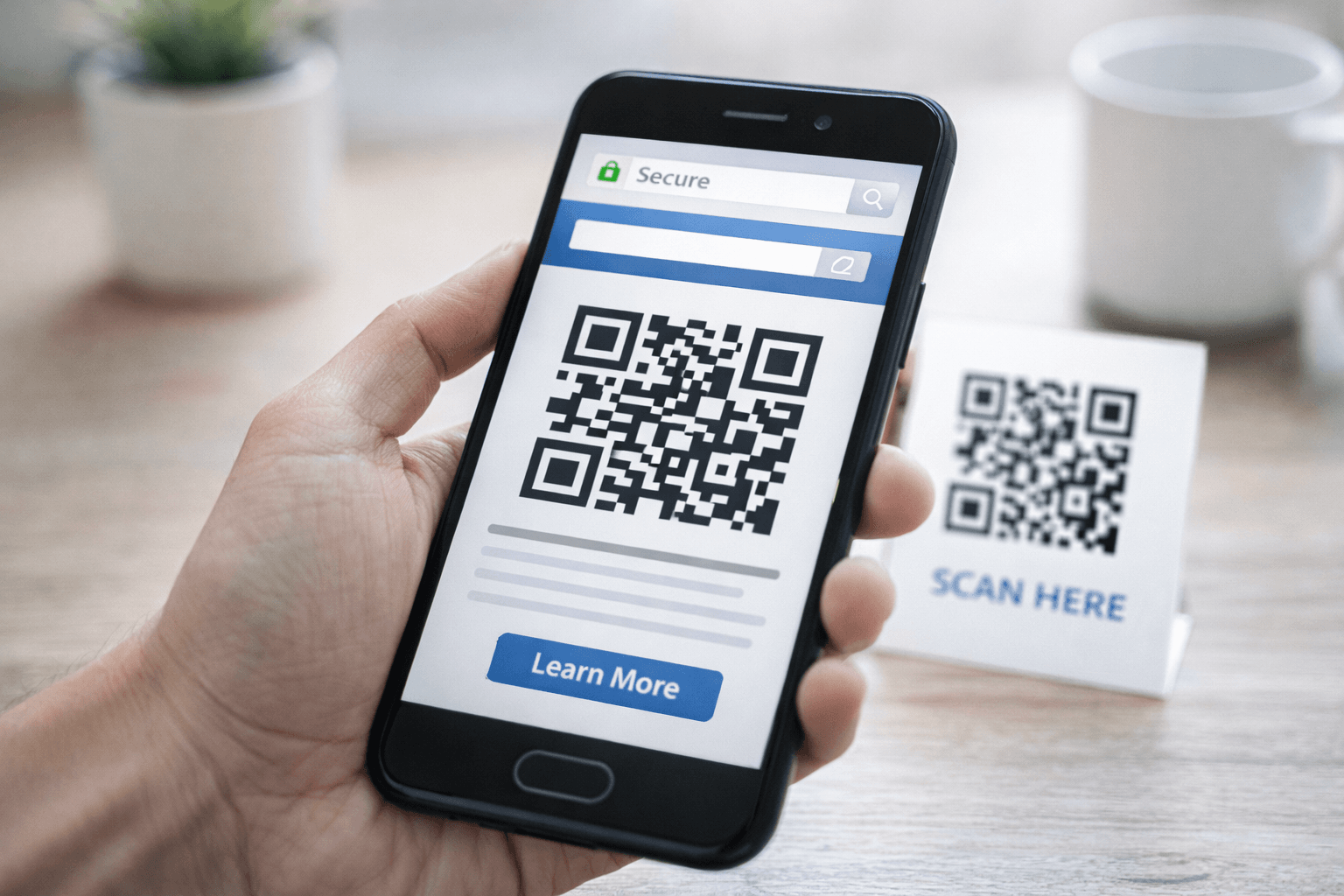
QR codes are generally safe, but users should still be careful while using them. Since QR codes can redirect to any link, there is a risk of malicious or fake codes.
It is important to scan QR codes only from trusted sources. Always check the link before opening it, and avoid entering personal or sensitive information on unknown websites. Taking these simple precautions can help you stay safe.
Best Practices for Using QR Codes
To make QR codes more effective, it is important to follow some best practices. The code should be clear and large enough so that it can be scanned easily. It is always a good idea to test the QR code before sharing it with others.
For business purposes, dynamic QR codes are more useful because they allow editing and tracking. Also, placing QR codes in visible and accessible locations increases the chances of engagement.
Future of QR Codes
QR codes are expected to grow even more in the coming years. With increasing digitalization and contactless technology, their use will continue to expand. They may also integrate with advanced technologies like augmented reality and smart packaging, making them even more interactive and useful.
Conclusion
QR codes have changed the way we share and access information. They are simple, fast, and highly versatile. Whether you are an individual or a business, using QR codes can improve efficiency and provide a better user experience.
By understanding how QR codes work and how to use them properly, you can take full advantage of this technology in your daily life.
Who should use Digital Tools
Everything You Need to Know About QR Codes and How They Work is built for readers who want a faster way to finish everyday web tasks. The main goal is shorter workflows, clearer outputs, and reusable tool habits, so the guide focuses on practical choices instead of broad theory.
Use it when you need one of these outcomes:
- testing a task before choosing a heavier app
- saving time on a repeated browser workflow
- combining a guide with a related AltFTool utility
How to get a better result
- Read the core use case and decide what output you need.
- Open the related AltFTool utility and test it with a small sample.
- Review the result, adjust settings, and repeat only if needed.
- Continue with related tools or guides for the next step in the workflow.
Start small, check the first output, and only then repeat the workflow with the full file, text, media, or game session. That gives you a quick quality check before you spend more time.
Quality checks before you trust the output
- the input is clean before running the tool
- the output matches the format you need
- private details are removed before sharing or downloading
Do not overcomplicate a simple task. Start with the smallest sample that proves the workflow, then scale up once the output looks right.
Continue your workflow
If you want to try the workflow now, open the related AltFTool tool area. For more reading, continue through the Digital Tools archive or the AltFTool tools directory.
This creates a cleaner path from explanation to action: read the guide, test the tool, compare the output, and move into the next related AltFTool resource only when it helps the task.
Reader questions
Quick answers
What is Everything You Need to Know About QR Codes and How They Work about?
QR codes have become an essential part of modern digital life. Whether you are making a quick payment at a shop, opening a restaurant menu, or accessing a websi
When should I use Digital Tools?
Use Digital Tools when you need testing a task before choosing a heavier app or saving time on a repeated browser workflow. It is best for shorter workflows, clearer outputs, and reusable tool habits.
How do I get better results from Digital Tools?
Start with a small sample, then check that the input is clean before running the tool and the output matches the format you need. Review the output before using it in a final workflow.
Where can I find more Digital Tools guides?
Use the AltFTool blog archive, AltFTool tools directory, and related links on this page to explore more Digital Tools tutorials, tool workflows, and practical recommendations.
Sources and review notes
References used to check facts, freshness, and reader-safe recommendations in this guide.
Reviewed against AltFTool editorial guidance, related site archives, and linked tool pages for freshness and reader usefulness.
- 1AltFTool Digital Tools archive
AltFTool
- 2AltFTool tools directory
AltFTool
Discussion
0 comments
No comments yet
Discussion will appear here once it loads.