
Creativity is at the heart of every great design. Whether you're creating social media graphics, building a website, or working on branding projects, the tools you use can significantly impact your output. In 2026, design tools have become smarter, faster, and more intuitive—making it easier than ever to bring your ideas to life.
The exciting part is that you don’t need to be a professional designer to create stunning visuals anymore. With the right tools, even beginners can produce high-quality designs. In this guide, we’ll explore the best powerful design tools that can help unlock your creativity and take your skills to the next level. If you’re looking to go even deeper, don’t miss our guide on Master Creative Design Tools, where you can learn advanced techniques and strategies to elevate your design skills.
Why Design Tools Matter for Creativity
Design tools are more than just software—they are creative partners. The right tool can:
- Simplify complex design processes
- Help you experiment with ideas quickly
- Improve efficiency and workflow
- Enhance the overall quality of your work
When your tools are easy to use and feature-rich, you can focus more on creativity and less on technical challenges.
Top Powerful Design Tools in 2026

Let’s take a look at some of the most popular and effective design tools you can use today.
1. Canva
Canva continues to be one of the most popular tools for both beginners and professionals. Its drag-and-drop interface makes designing simple and fast.
Key Features:
- Ready-to-use templates
- Easy customization
- Built-in graphics and fonts
Best for: Social media posts, presentations, and quick designs
2. Adobe Photoshop
Photoshop remains a powerful tool for advanced photo editing and graphic design.
Key Features:
- Advanced editing tools
- Layer-based design
- High-quality output
Best for: Photo editing and detailed graphic design work
3. Adobe Illustrator
Illustrator is perfect for creating logos, icons, and vector-based designs.
Key Features:
- Precision drawing tools
- Scalable vector graphics
- Professional design capabilities
Best for: Branding, logos, and illustrations
4. Figma
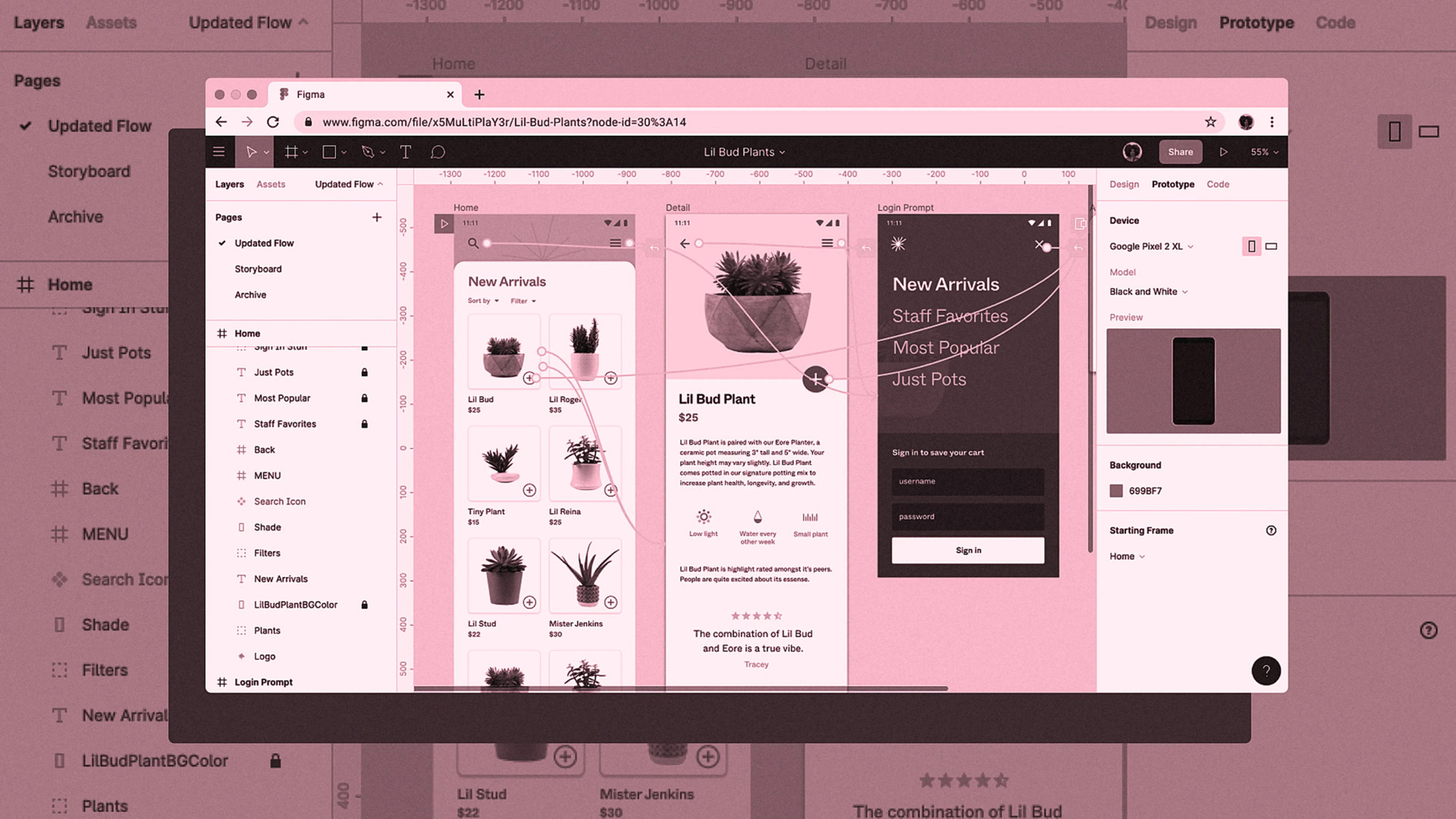
Figma has become a favorite for UI/UX designers due to its collaborative features.
Key Features:
- Real-time collaboration
- Cloud-based access
- Interactive design features
Best for: Web and app design
5. CorelDRAW
CorelDRAW is a powerful alternative for vector design and layout creation.
Key Features:
- Flexible design tools
- Multi-page layout support
- Professional-grade features
Best for: Print design and vector graphics
6. Procreate
Procreate is widely loved by digital artists and illustrators.
Key Features:
- Natural drawing experience
- Wide range of brushes
- High-resolution artwork
Best for: Digital art and illustration
How These Tools Boost Creativity

These tools don’t just make designing easier—they actively enhance creativity.
1. Speed and Efficiency
With ready-made templates and automation, you can create designs faster and focus on ideas instead of technical details.
2. Endless Experimentation
Design tools allow you to test colors, layouts, and styles without any risk. You can easily undo changes and try new concepts.
3. Professional Results
Even beginners can create polished, high-quality designs using modern tools.
Choosing the Right Tool for Your Needs
Not every tool is perfect for everyone. Here’s how to choose:
- For beginners: Canva
- For photo editing: Photoshop
- For vector design: Illustrator or CorelDRAW
- For UI/UX design: Figma
- For digital art: Procreate
Choose based on your goals and comfort level.
Tips to Maximize Your Creativity
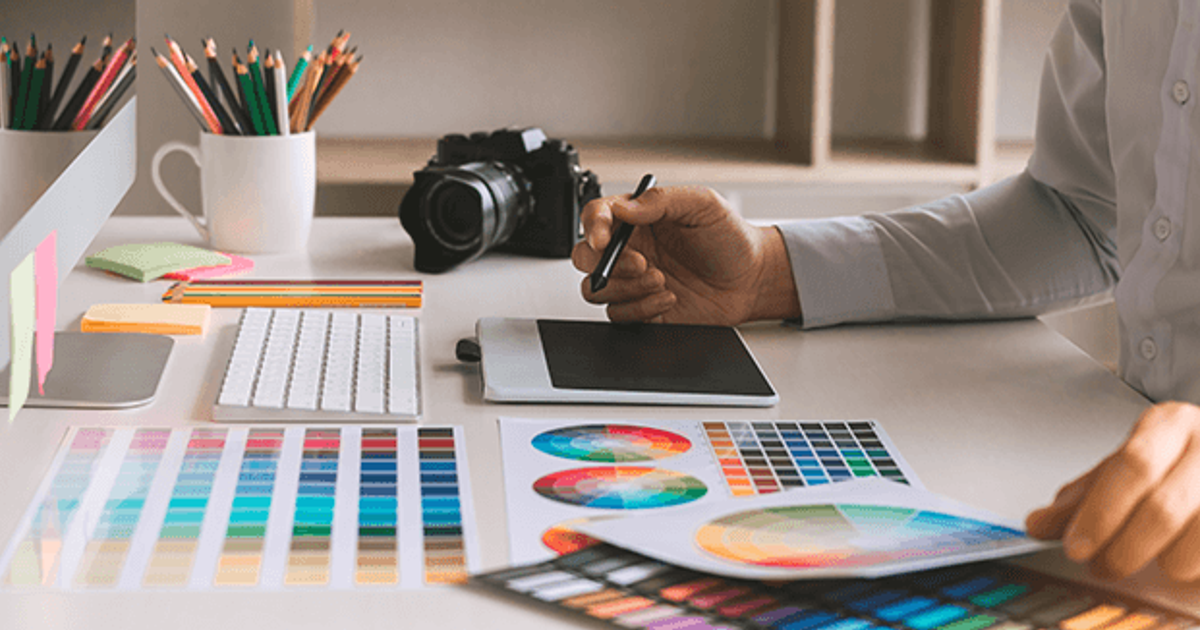
Having the right tools is just the beginning. Here are some tips to unlock your full creative potential:
- Practice regularly
- Explore new features in your tools
- Learn from tutorials and designers
- Experiment with different styles
- Keep your designs simple and clean
Creativity grows with practice and curiosity.
Common Mistakes to Avoid
Even with powerful tools, mistakes can limit your creativity.
Avoid these:
- Overcomplicating designs
- Using too many fonts or colors
- Ignoring basic design principles
- Copying without understanding
- Not exploring tool features
Simplicity and clarity always win.
The Future of Design Tools

In 2026, design tools are becoming smarter with AI-powered features, automation, and real-time collaboration. These advancements are making design more accessible and efficient than ever before.
As technology evolves, designers will be able to focus more on creativity and less on technical work.
FAQs
1. Which design tool is best for beginners?
Canva is the best choice for beginners due to its simple interface and ready-to-use templates.
2. Do I need paid tools to create professional designs?
Not necessarily. Many free tools offer excellent features, but paid tools provide more advanced options.
3. What is the most powerful design software in 2026?
Adobe Photoshop and Illustrator are considered among the most powerful tools for professional design work.
4. Can I learn design tools on my own?
Yes, many tutorials and resources are available online to help you learn design tools independently.
5. How can I improve my creativity in design?
Practice regularly, experiment with new ideas, and study designs from other creators.
6. Are design tools important for creativity?
Yes, the right tools make it easier to bring your ideas to life and improve your workflow.
Who should use Digital Tools
Best Powerful Design Tools to Unlock Your Creativity in 2026 is built for readers who want a faster way to finish everyday web tasks. The main goal is shorter workflows, clearer outputs, and reusable tool habits, so the guide focuses on practical choices instead of broad theory.
Use it when you need one of these outcomes:
- testing a task before choosing a heavier app
- saving time on a repeated browser workflow
- combining a guide with a related AltFTool utility
How to get a better result
- Read the core use case and decide what output you need.
- Open the related AltFTool utility and test it with a small sample.
- Review the result, adjust settings, and repeat only if needed.
- Continue with related tools or guides for the next step in the workflow.
Start small, check the first output, and only then repeat the workflow with the full file, text, media, or game session. That gives you a quick quality check before you spend more time.
Quality checks before you trust the output
- the input is clean before running the tool
- the output matches the format you need
- private details are removed before sharing or downloading
Do not overcomplicate a simple task. Start with the smallest sample that proves the workflow, then scale up once the output looks right.
Continue your workflow
If you want to try the workflow now, open the related AltFTool tool area. For more reading, continue through the Digital Tools archive or the AltFTool tools directory.
This creates a cleaner path from explanation to action: read the guide, test the tool, compare the output, and move into the next related AltFTool resource only when it helps the task.
Reader questions
Quick answers
What is Best Powerful Design Tools to Unlock Your Creativity in 2026 about?
Creativity is at the heart of every great design. Whether you're creating social media graphics, building a website, or working on branding projects, the tools
When should I use Digital Tools?
Use Digital Tools when you need testing a task before choosing a heavier app or saving time on a repeated browser workflow. It is best for shorter workflows, clearer outputs, and reusable tool habits.
How do I get better results from Digital Tools?
Start with a small sample, then check that the input is clean before running the tool and the output matches the format you need. Review the output before using it in a final workflow.
Where can I find more Digital Tools guides?
Use the AltFTool blog archive, AltFTool tools directory, and related links on this page to explore more Digital Tools tutorials, tool workflows, and practical recommendations.
Sources and review notes
References used to check facts, freshness, and reader-safe recommendations in this guide.
Reviewed against AltFTool editorial guidance, related site archives, and linked tool pages for freshness and reader usefulness.
- 1AltFTool Digital Tools archive
AltFTool
- 2AltFTool tools directory
AltFTool
Discussion
0 comments
No comments yet
Discussion will appear here once it loads.