
Classroom management has always been one of the most important yet challenging parts of teaching. Every teacher, whether in a school or an online setup, knows that handling students, keeping them engaged, managing behavior, tracking performance, and preparing lessons all at the same time can quickly become overwhelming. In today’s fast-changing education system, teachers are expected to do more in less time, which often leads to stress and reduced efficiency.
This is where artificial intelligence (AI) is quietly transforming the teaching experience. AI tools are not here to replace teachers but to support them in handling repetitive and time-consuming tasks. From organizing lesson plans to tracking student behavior and even creating interactive content, AI can significantly improve classroom management. When used correctly, these tools help teachers focus more on teaching and less on administrative workload.
In this blog, we will explore the best AI tools that make classroom management easier, more efficient, and more engaging for both teachers and students.
Why Classroom Management Needs AI Support
Managing a classroom is not just about teaching subjects. It involves maintaining discipline, ensuring participation, tracking progress, and adapting teaching styles for different learners. Traditionally, this required a lot of manual effort and time. Teachers often had to spend hours preparing worksheets, grading assignments, and analyzing student performance.
AI changes this by automating many of these tasks. For example, AI can instantly generate quizzes, provide feedback on assignments, and even suggest personalized learning paths for students. It helps teachers identify struggling students early and adjust their teaching methods accordingly. This not only saves time but also improves the overall learning experience.
In short, AI acts like a smart assistant that works behind the scenes, allowing teachers to focus on what truly matters—teaching and connecting with students.
ChatGPT for Lesson Planning and Classroom Support
One of the most widely used AI tools among teachers is ChatGPT. It helps in creating lesson plans, explaining difficult topics in simple language, and generating classroom activities. Teachers can simply type a topic, and ChatGPT can provide structured content within seconds.
For classroom management, it is especially useful in preparing discussion questions, quizzes, and revision notes. Instead of spending hours planning, teachers can quickly generate ideas and customize them according to their students’ needs. It also helps in communicating complex concepts in a more understandable way.
MagicSchool AI for Complete Teaching Assistance
MagicSchool AI is designed specifically for educators. It offers a wide range of features such as lesson planning, rubric creation, email drafting for parents, and student feedback generation. What makes it powerful is its teacher-focused design.
With this tool, teachers can manage their classroom tasks more efficiently by automating repetitive work. For example, instead of writing individual feedback for each student, MagicSchool AI can generate personalized comments in seconds. This improves productivity and reduces workload significantly.

ChatGPT for Teachers
Helps in lesson planning, creating quizzes, and explaining complex topics in simple language for students.
Free / Paid Plans
TRY NOW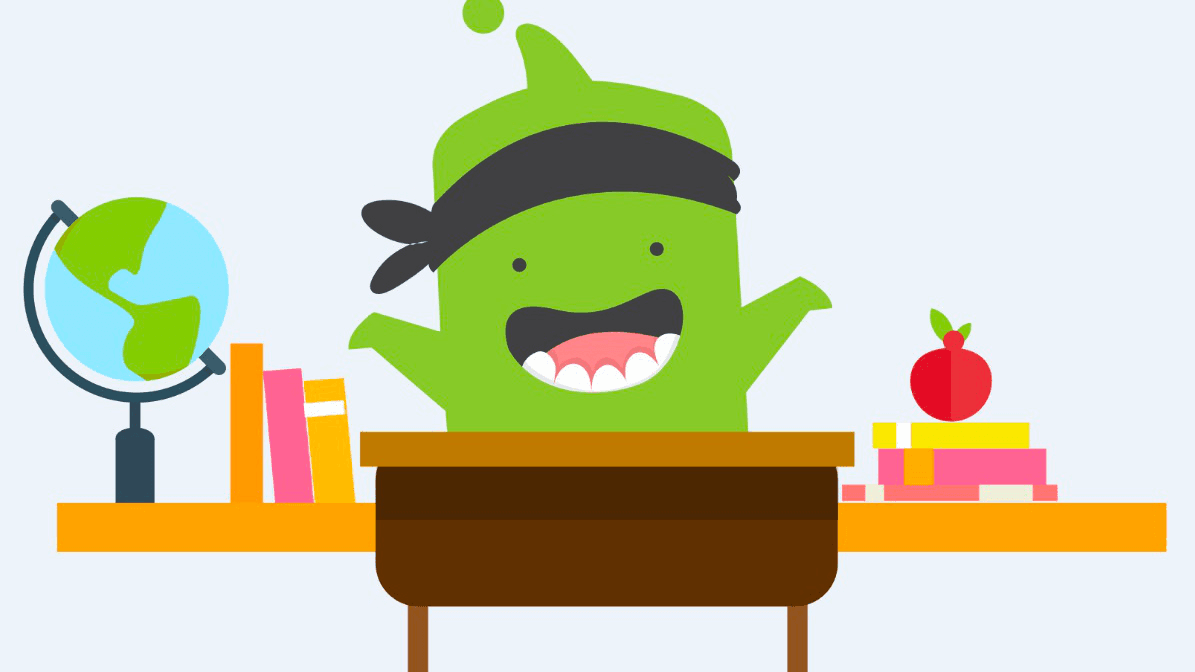
ClassDojo
Manages student behavior, tracks participation, and improves classroom engagement with real-time feedback.
Free
TRY NOW
MagicSchool AI
All-in-one AI assistant for teachers to create lesson plans, rubrics, feedback, and classroom materials quickly.
Free + Paid
TRY NOWClassDojo for Behavior and Engagement Management
Classroom management is not only about academics but also about student behavior and engagement. ClassDojo is a popular tool that helps teachers track student behavior in real time.
Teachers can award points for positive behavior, participation, and teamwork. Students can also see their progress, which motivates them to improve. Parents can stay connected and receive updates about their child’s performance. This creates a strong communication bridge between teachers, students, and parents.
By using ClassDojo, classroom discipline becomes easier to maintain without constant verbal reminders.
Google Gemini for Smart Teaching Integration
Google Gemini is becoming a powerful AI assistant for teachers, especially those already using Google Classroom. It helps in generating lesson content, summarizing topics, and creating presentations quickly.
Teachers can use it to simplify complex subjects and prepare structured teaching materials. It also helps in organizing classroom resources efficiently. Since it integrates with Google tools, it becomes a seamless part of daily teaching workflow.
This makes classroom management smoother and more organized without switching between multiple platforms.
Canva for Education for Visual Learning
Visual content plays a huge role in keeping students engaged. Canva for Education allows teachers to create presentations, worksheets, posters, and interactive visuals easily.
Instead of spending hours designing materials, teachers can use templates and AI-powered suggestions to create professional-quality content in minutes. This makes lessons more engaging and improves student understanding.
Well-designed visuals also help in better classroom attention and participation, making management much easier.
Gradescope for Easy and Fast Evaluation
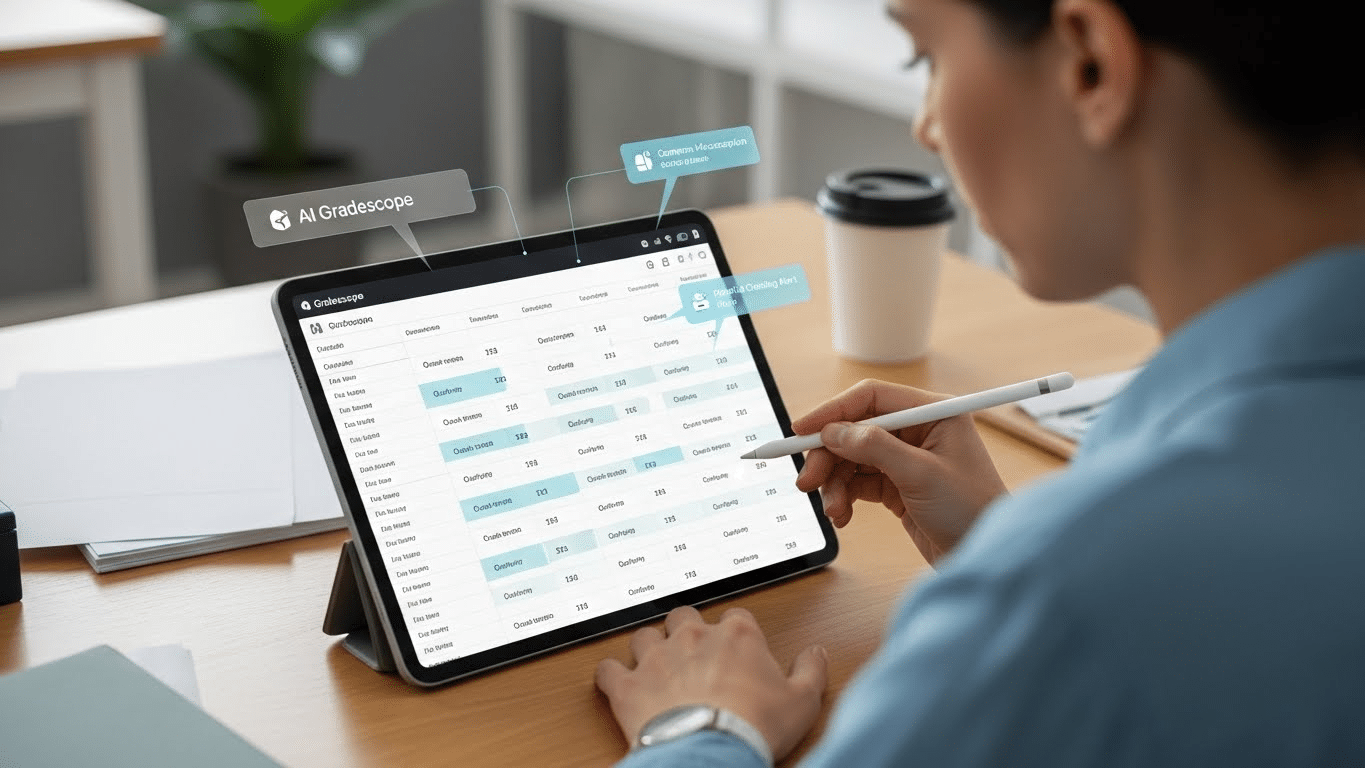
Checking assignments and exams is one of the most time-consuming tasks for teachers. Gradescope simplifies this process by automating grading.
Teachers can upload assignments, and the AI groups similar answers together, making evaluation faster and more consistent. It also provides detailed performance analytics, helping teachers understand where students are struggling.
This reduces workload and ensures fair and accurate grading, which is essential for effective classroom management.
Diffit for Differentiated Learning
Every classroom has students with different learning levels. Diffit helps teachers adjust the difficulty of content based on student needs.
Teachers can take one topic and convert it into easy, medium, or advanced levels instantly. This ensures that every student learns at their own pace without feeling left out.
By using Diffit, teachers can manage mixed-ability classrooms more effectively and provide personalized learning experiences.
Practical Ways to Use AI in Classroom Management
Using AI tools effectively requires a smart approach. Teachers should not rely on just one tool but combine multiple tools based on their needs. For example, ChatGPT can be used for planning, Canva for visuals, and ClassDojo for behavior tracking.
It is also important to maintain a balance between automation and personal interaction. AI should support teaching, not replace human connection. Teachers should regularly review AI-generated content to ensure accuracy and relevance.
When used properly, AI can turn a chaotic classroom into a well-organized and productive learning environment.
Challenges of Using AI in Classroom Management
While AI offers many benefits, it also comes with challenges. One of the main concerns is over-dependence on technology. Teachers must ensure that they do not rely completely on AI for decision-making.
Another challenge is data privacy. Some AI tools collect student information, so it is important to choose trusted platforms. Additionally, not all schools have equal access to advanced technology, which can create a gap in implementation.
Despite these challenges, the benefits of AI in classroom management are much greater when used responsibly.
Conclusion
AI is reshaping the future of education by making classroom management easier, faster, and more efficient. Tools like ChatGPT, MagicSchool AI, ClassDojo, Google Gemini, Canva, Gradescope, and Diffit are helping teachers save time and focus more on teaching rather than administrative work.
The goal of AI is not to replace teachers but to empower them. When teachers use these tools wisely, they can create a more engaging, organized, and productive classroom environment. In the coming years, AI will become an essential part of every classroom, making teaching more effective and student-friendly.
FAQ
Who should use Digital Tools
Best AI Tools for Teachers to Make Classroom Management Easy is built for readers who want a faster way to finish everyday web tasks. The main goal is shorter workflows, clearer outputs, and reusable tool habits, so the guide focuses on practical choices instead of broad theory.
Use it when you need one of these outcomes:
- testing a task before choosing a heavier app
- saving time on a repeated browser workflow
- combining a guide with a related AltFTool utility
How to get a better result
- Read the core use case and decide what output you need.
- Open the related AltFTool utility and test it with a small sample.
- Review the result, adjust settings, and repeat only if needed.
- Continue with related tools or guides for the next step in the workflow.
Start small, check the first output, and only then repeat the workflow with the full file, text, media, or game session. That gives you a quick quality check before you spend more time.
Quality checks before you trust the output
- the input is clean before running the tool
- the output matches the format you need
- private details are removed before sharing or downloading
Do not overcomplicate a simple task. Start with the smallest sample that proves the workflow, then scale up once the output looks right.
Continue your workflow
If you want to try the workflow now, open the related AltFTool tool area. For more reading, continue through the Digital Tools archive or the AltFTool tools directory.
This creates a cleaner path from explanation to action: read the guide, test the tool, compare the output, and move into the next related AltFTool resource only when it helps the task.
Reader questions
Quick answers
What is Best AI Tools for Teachers to Make Classroom Management Easy about?
Classroom management has always been one of the most important yet challenging parts of teaching. Every teacher, whether in a school or an online setup, knows t
When should I use Digital Tools?
Use Digital Tools when you need testing a task before choosing a heavier app or saving time on a repeated browser workflow. It is best for shorter workflows, clearer outputs, and reusable tool habits.
How do I get better results from Digital Tools?
Start with a small sample, then check that the input is clean before running the tool and the output matches the format you need. Review the output before using it in a final workflow.
Where can I find more Digital Tools guides?
Use the AltFTool blog archive, AltFTool tools directory, and related links on this page to explore more Digital Tools tutorials, tool workflows, and practical recommendations.
Sources and review notes
References used to check facts, freshness, and reader-safe recommendations in this guide.
Reviewed against AltFTool editorial guidance, related site archives, and linked tool pages for freshness and reader usefulness.
- 1AltFTool Digital Tools archive
AltFTool
- 2AltFTool tools directory
AltFTool
Discussion
0 comments
No comments yet
Discussion will appear here once it loads.