
Artificial intelligence tools are changing the way students study, research, write assignments, and manage academic tasks. While ChatGPT is one of the most widely used AI assistants, many students are now exploring free alternatives that offer different features, better research support, faster responses, and specialized educational tools. These platforms can help students improve productivity, save time, and complete work more efficiently without spending money.
Why Students Are Looking for ChatGPT Alternatives
Many students use AI tools daily for assignments, note-taking, coding, presentations, and research. However, free usage restrictions, limited features, and performance issues during busy hours encourage users to try other platforms. Some AI tools are better for research and citations, while others focus on writing quality, coding assistance, or productivity. Exploring multiple AI tools also helps students compare answers and improve accuracy.
Google Gemini for Research and Productivity
Google Gemini is one of the strongest alternatives for students because it connects smoothly with Google services like Docs, Gmail, Drive, and Sheets. This integration makes it especially useful for academic tasks and project management. Students can use Gemini to summarize research topics, create study notes, generate presentation ideas, and organize assignments. Since it has access to real-time web information, it often provides updated answers that are useful for research-based work.
Microsoft Copilot for Academic Work
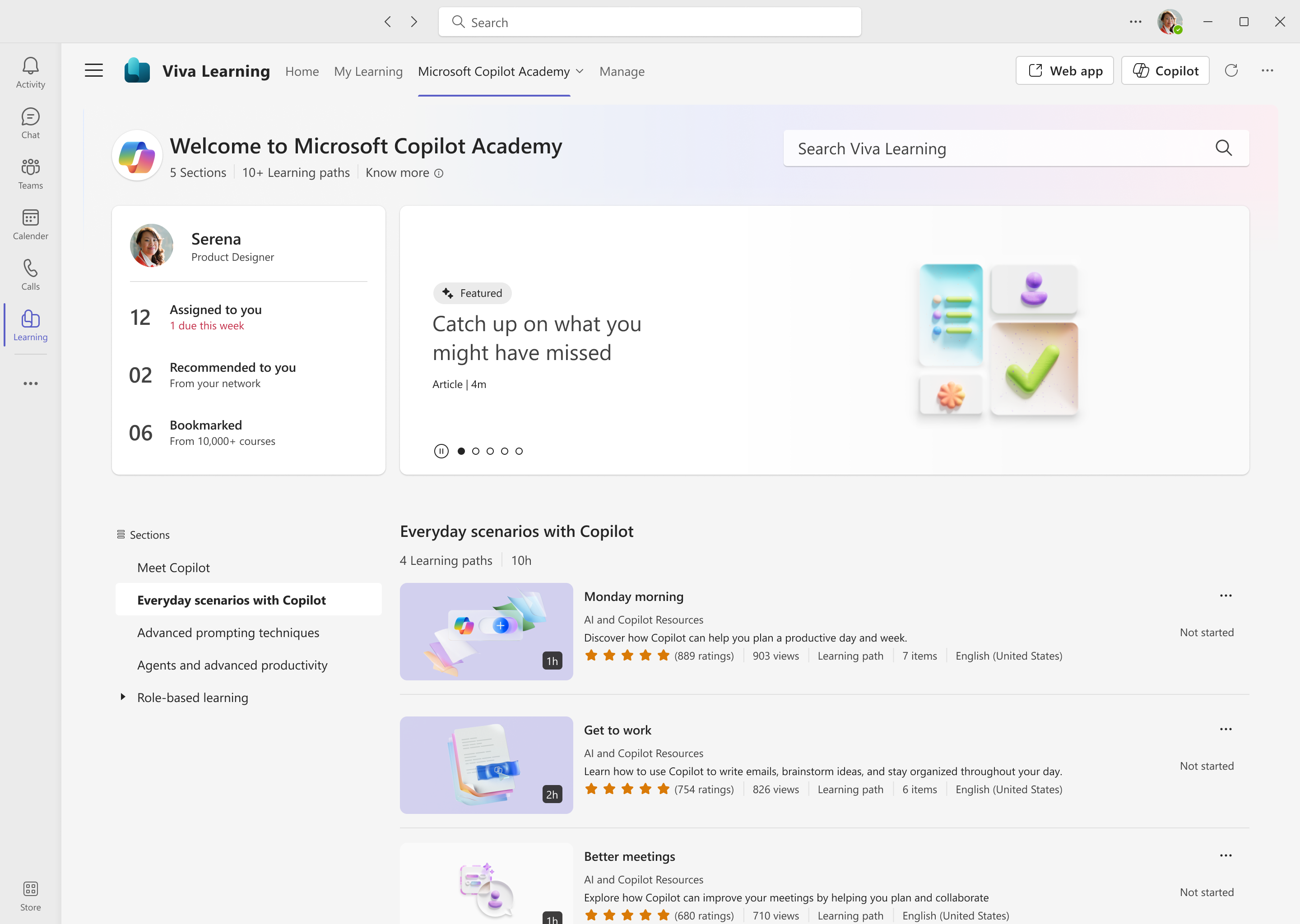
Microsoft Copilot is another powerful AI assistant designed for productivity and academic use. It works well with Microsoft Office applications such as Word, Excel, and PowerPoint. Students can use it to draft reports, create spreadsheets, organize data, and prepare presentations quickly. The built-in web search functionality also helps students gather information without switching between multiple tabs, making study sessions more efficient.
Claude AI for Writing and Deep Explanations
Claude AI is popular among students who need detailed explanations and natural writing assistance. It produces human-like responses that are useful for essays, reports, and long-form assignments. Many students prefer Claude because it handles large amounts of text smoothly and provides thoughtful answers that are easier to understand. It is especially useful for literature reviews, analytical writing, and concept explanations.
Perplexity AI for Research and Citations

Perplexity AI is highly useful for students who frequently work on research projects and academic papers. Unlike many AI tools, it provides answers with source references and citations, making it easier to verify information. Students can quickly gather summarized information, explore reliable sources, and fact-check topics for assignments. Its research-focused design makes it one of the best free AI tools for academic work in 2026.
Poe AI for Access to Multiple AI Models
Poe AI allows students to interact with multiple AI models from one platform. Instead of relying on a single assistant, users can compare responses from different AI systems to find the best answer. This flexibility is helpful for brainstorming ideas, solving problems, and understanding different viewpoints. Poe’s simple interface and mobile-friendly design also make it convenient for students who study on the go.
You.com AI for Search and Coding Support
You.com combines AI search capabilities with productivity features that help students complete tasks faster. It is especially useful for coding assignments, quick research, and information gathering. Students can search the web, summarize content, and get AI-generated answers in one place. Its speed and accessibility make it a practical option for both technical and non-technical academic tasks.
Chatsonic for Content Writing and Creativity
Chatsonic is designed for students who need help with writing-focused tasks. It can assist with drafting assignments, generating blog ideas, creating creative content, and improving writing flow. The platform also includes templates and voice command features that make content creation easier. Students working on presentations, articles, or creative projects may find Chatsonic especially helpful.
Pi AI for Study Motivation and Personal Assistance
Pi AI focuses more on conversations and personal support than technical tasks. It acts like a friendly AI companion that can help students stay motivated, manage study schedules, and reduce stress during academic work. While it may not be ideal for deep research or coding, it is useful for productivity planning and maintaining consistent study habits.
How to Choose the Right AI Tool
The best AI tool depends on the type of academic work students need to complete. Students focused on research and citations may prefer Perplexity AI, while those who need writing support might choose Claude AI. Gemini works well for students already using Google Workspace, and Microsoft Copilot is excellent for Office-based productivity tasks. Trying different platforms can help students identify which tool fits their learning style and workflow best.
Tips for Using AI Tools Responsibly
AI tools should be used responsibly to support learning rather than replace it. Students should always verify facts, review AI-generated content carefully, and avoid submitting copied responses directly as original work. Editing and personalizing outputs improves both quality and academic integrity. Using AI as a learning assistant instead of a shortcut helps students build stronger skills over time.
FAQ
Who should use Digital Tools
Top AI Tools Like ChatGPT for Content and Coding Help Online is built for readers who want a faster way to finish everyday web tasks. The main goal is shorter workflows, clearer outputs, and reusable tool habits, so the guide focuses on practical choices instead of broad theory.
Use it when you need one of these outcomes:
- testing a task before choosing a heavier app
- saving time on a repeated browser workflow
- combining a guide with a related AltFTool utility
How to get a better result
- Read the core use case and decide what output you need.
- Open the related AltFTool utility and test it with a small sample.
- Review the result, adjust settings, and repeat only if needed.
- Continue with related tools or guides for the next step in the workflow.
Start small, check the first output, and only then repeat the workflow with the full file, text, media, or game session. That gives you a quick quality check before you spend more time.
Quality checks before you trust the output
- the input is clean before running the tool
- the output matches the format you need
- private details are removed before sharing or downloading
Do not overcomplicate a simple task. Start with the smallest sample that proves the workflow, then scale up once the output looks right.
Continue your workflow
If you want to try the workflow now, open the related AltFTool tool area. For more reading, continue through the Digital Tools archive or the AltFTool tools directory.
This creates a cleaner path from explanation to action: read the guide, test the tool, compare the output, and move into the next related AltFTool resource only when it helps the task.
Reader questions
Quick answers
What is Top AI Tools Like ChatGPT for Content and Coding Help Online about?
Best Free ChatGPT Alternatives for Students in 2026 for WorkArtificial intelligence tools are changing the way students study, research, write assignments, and
When should I use Digital Tools?
Use Digital Tools when you need testing a task before choosing a heavier app or saving time on a repeated browser workflow. It is best for shorter workflows, clearer outputs, and reusable tool habits.
How do I get better results from Digital Tools?
Start with a small sample, then check that the input is clean before running the tool and the output matches the format you need. Review the output before using it in a final workflow.
Where can I find more Digital Tools guides?
Use the AltFTool blog archive, AltFTool tools directory, and related links on this page to explore more Digital Tools tutorials, tool workflows, and practical recommendations.
Sources and review notes
References used to check facts, freshness, and reader-safe recommendations in this guide.
Reviewed against AltFTool editorial guidance, related site archives, and linked tool pages for freshness and reader usefulness.
- 1AltFTool Digital Tools archive
AltFTool
- 2AltFTool tools directory
AltFTool
Discussion
1 comment
No comments yet
Discussion will appear here once it loads.