
Online grocery shopping has become an essential part of modern life. With busy schedules, long working hours, and the need for convenience, more people are turning to digital platforms to manage their daily needs. However, while online shopping saves time, it can sometimes feel overwhelming or slow if not done efficiently.
The good news is that with a few smart strategies, you can make your online grocery shopping experience faster, smoother, and even more cost-effective. Whether you’re a beginner or a regular user, these practical tips will help you shop like a pro.
Why Online Grocery Shopping Matters Today
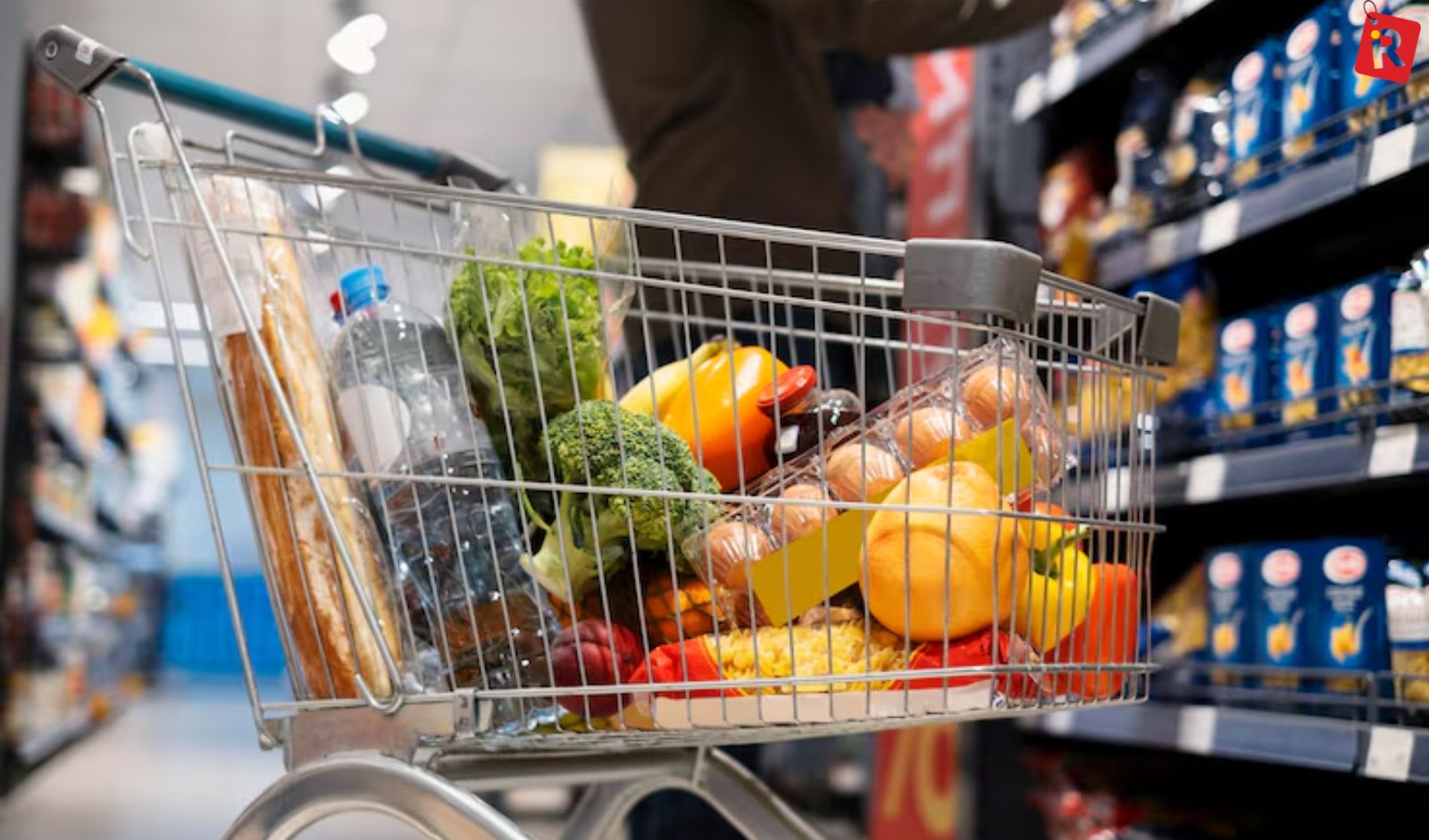
The shift toward online grocery shopping isn’t just a trend—it’s a lifestyle change. People now prefer ordering essentials from the comfort of their homes instead of spending hours in crowded stores.
One of the biggest advantages is time-saving. You can browse products, compare prices, and place orders within minutes. Additionally, online platforms often provide better deals, discounts, and a wider variety of products than physical stores.
But to truly enjoy these benefits, you need to optimize the way you shop online.
Plan Before You Start Shopping
One of the most effective ways to speed up your grocery shopping is to plan ahead. Many people waste time browsing unnecessary items because they don’t have a clear idea of what they need.
Start by creating a weekly grocery list. Think about your meals, snacks, and household essentials. When you have a list ready, you can quickly search for items instead of scrolling endlessly.
Planning also helps you avoid overbuying and ensures that you don’t forget important items.
Use Saved Lists and Favorites

Most online grocery platforms allow you to save items you frequently purchase. This feature can significantly reduce your shopping time.
Instead of searching for the same products every week, you can simply add them from your saved list. Over time, your list becomes more personalized, making the process even faster.
This is especially useful for regular items like milk, bread, fruits, vegetables, and household supplies.
Choose the Right Delivery Slot
Delivery timing plays a crucial role in your shopping experience. Many users face delays simply because they don’t select the right time slot.
Try to book your delivery in advance, especially during weekends or peak hours. Early morning or late evening slots are often less crowded and more reliable.
Planning your delivery ensures that you receive your groceries on time without unnecessary waiting.
Use Filters and Search Smartly
Online grocery websites come with powerful filters and search tools, but many users don’t utilize them effectively.
Instead of browsing through categories, use the search bar to find specific products quickly. You can also apply filters like price range, brand, discounts, or dietary preferences to narrow down your options.
This not only saves time but also helps you find exactly what you need without distractions.
Stick to a Budget
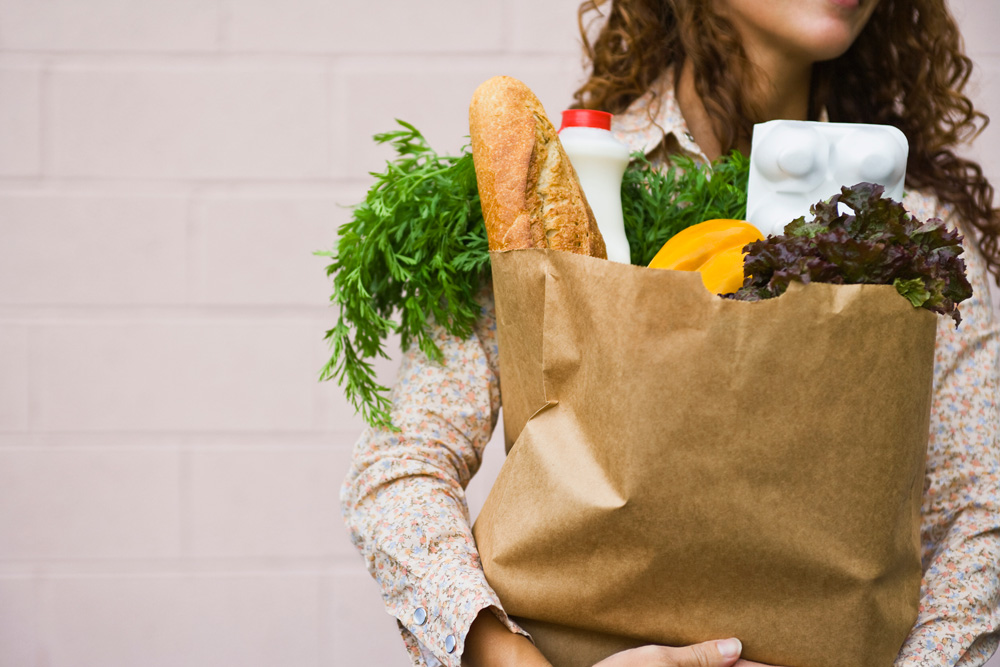
It’s easy to overspend when shopping online because of attractive offers and recommendations. To avoid this, set a clear budget before you start shopping.
Many platforms show the total amount as you add items to your cart. Keep an eye on this and adjust your choices if needed.
Sticking to a budget not only saves money but also keeps your shopping process focused and efficient.
Take Advantage of Deals and Discounts
One of the biggest advantages of online grocery shopping is access to exclusive deals. However, spending too much time looking for discounts can slow you down.
Instead, check the “Offers” section first and add relevant items to your cart. Many platforms also provide combo deals, cash back offers, and subscription discounts.
By planning your purchases around these deals, you can save both time and money.
Avoid Peak Shopping Hours
Just like physical stores, online grocery platforms also experience peak hours. During these times, websites may load slowly, and delivery slots fill up quickly.
Try to shop during non-peak hours, such as early mornings or weekdays. This ensures a smoother browsing experience and faster checkout.
Avoiding rush hours can make a noticeable difference in your overall experience.
Pros & Cons
Save Your Payment and Address Details
Entering your payment and delivery details every time can be time-consuming. Most platforms allow you to save this information securely.
By saving your preferred payment method and address, you can complete your order in just a few clicks.
This small step can significantly speed up the checkout process.
Check Reviews Before Buying
While this may seem like an extra step, reading reviews can actually save you time in the long run.
Choosing the wrong product may lead to returns or dissatisfaction, which takes more effort. Quick reviews help you make better decisions and avoid unnecessary issues.
Focus on ratings and short feedback to make fast yet informed choices.
Use Mobile Apps for Convenience

Shopping through mobile apps is often faster than using websites. Apps are designed for quick navigation, personalized recommendations, and smoother performance.
They also send notifications about deals, order updates, and delivery status, making the entire process more convenient.
If you shop regularly, using an app can save you a significant amount of time.
Keep Your Cart Organized
As you add items to your cart, make sure to review it before checkout. Remove unnecessary products and check quantities.
An organized cart ensures that you don’t waste money or time managing returns later. It also helps you stay within your budget.
Taking a minute to review your cart can prevent bigger problems later.
Schedule Recurring Orders
If you regularly buy the same items, consider setting up recurring orders. Many platforms offer subscription services for essential products.
This means your groceries will be delivered automatically at your preferred time without needing to reorder each week.
It’s one of the easiest ways to make online grocery shopping effortless.
Benefits of Faster Online Grocery Shopping

When you optimize your shopping process, the benefits go beyond just saving time.
You reduce stress by avoiding last-minute shopping. You save money by sticking to your budget and using deals wisely. You also enjoy a more organized lifestyle, as your groceries arrive on time without hassle.
Over time, these small improvements create a smoother and more enjoyable experience.
Common Mistakes to Avoid
Many people make simple mistakes that slow down their shopping process. Browsing without a plan, ignoring filters, or shopping during peak hours are some common issues.
Another mistake is getting distracted by unnecessary items or offers. While discounts are attractive, they should not take up too much of your time.
Avoiding these habits can make a big difference in your efficiency.
Conclusion
Online grocery shopping is a powerful tool that can save time, effort, and money—if used correctly. By planning ahead, using smart features, and staying organized, you can turn a potentially time-consuming task into a quick and seamless experience.
The key is to develop a system that works for you. Once you get into the habit of efficient shopping, you’ll find that managing your groceries becomes easier than ever.
With the right approach, online grocery shopping is not just convenient—it’s a smarter way to live.
Who should use Food
How to Make Online Grocery Shopping Faster and Easier is built for readers who want a faster way to finish everyday web tasks. The main goal is shorter workflows, clearer outputs, and reusable tool habits, so the guide focuses on practical choices instead of broad theory.
Use it when you need one of these outcomes:
- testing a task before choosing a heavier app
- saving time on a repeated browser workflow
- combining a guide with a related AltFTool utility
How to get a better result
- Read the core use case and decide what output you need.
- Open the related AltFTool utility and test it with a small sample.
- Review the result, adjust settings, and repeat only if needed.
- Continue with related tools or guides for the next step in the workflow.
Start small, check the first output, and only then repeat the workflow with the full file, text, media, or game session. That gives you a quick quality check before you spend more time.
Quality checks before you trust the output
- the input is clean before running the tool
- the output matches the format you need
- private details are removed before sharing or downloading
Do not overcomplicate a simple task. Start with the smallest sample that proves the workflow, then scale up once the output looks right.
Continue your workflow
If you want to try the workflow now, open the related AltFTool tool area. For more reading, continue through the Food archive or the AltFTool tools directory.
This creates a cleaner path from explanation to action: read the guide, test the tool, compare the output, and move into the next related AltFTool resource only when it helps the task.
Reader questions
Quick answers
What is How to Make Online Grocery Shopping Faster and Easier about?
O nline grocery shopping has become an essential part of modern life. With busy schedules, long working hours, and the need for convenience, more people ar
When should I use Food?
Use Food when you need testing a task before choosing a heavier app or saving time on a repeated browser workflow. It is best for shorter workflows, clearer outputs, and reusable tool habits.
How do I get better results from Food?
Start with a small sample, then check that the input is clean before running the tool and the output matches the format you need. Review the output before using it in a final workflow.
Where can I find more Food guides?
Use the AltFTool blog archive, AltFTool tools directory, and related links on this page to explore more Food tutorials, tool workflows, and practical recommendations.
Sources and review notes
References used to check facts, freshness, and reader-safe recommendations in this guide.
Reviewed against AltFTool editorial guidance, related site archives, and linked tool pages for freshness and reader usefulness.
- 1AltFTool Food archive
AltFTool
- 2AltFTool tools directory
AltFTool
Discussion
0 comments
No comments yet
Discussion will appear here once it loads.