
In today’s fast-paced world, smart technology is no longer a luxury—it has become a part of everyday life. The good news is that you don’t need to spend a lot of money to enjoy the benefits of modern innovation. There are plenty of budget-friendly smart gadgets that can simplify your daily routine, save time, and improve your overall lifestyle.
Whether you want to automate your home, stay organized, or increase productivity, affordable smart devices can make a big difference without putting pressure on your budget.
Why Choose Budget-Friendly Smart Gadgets
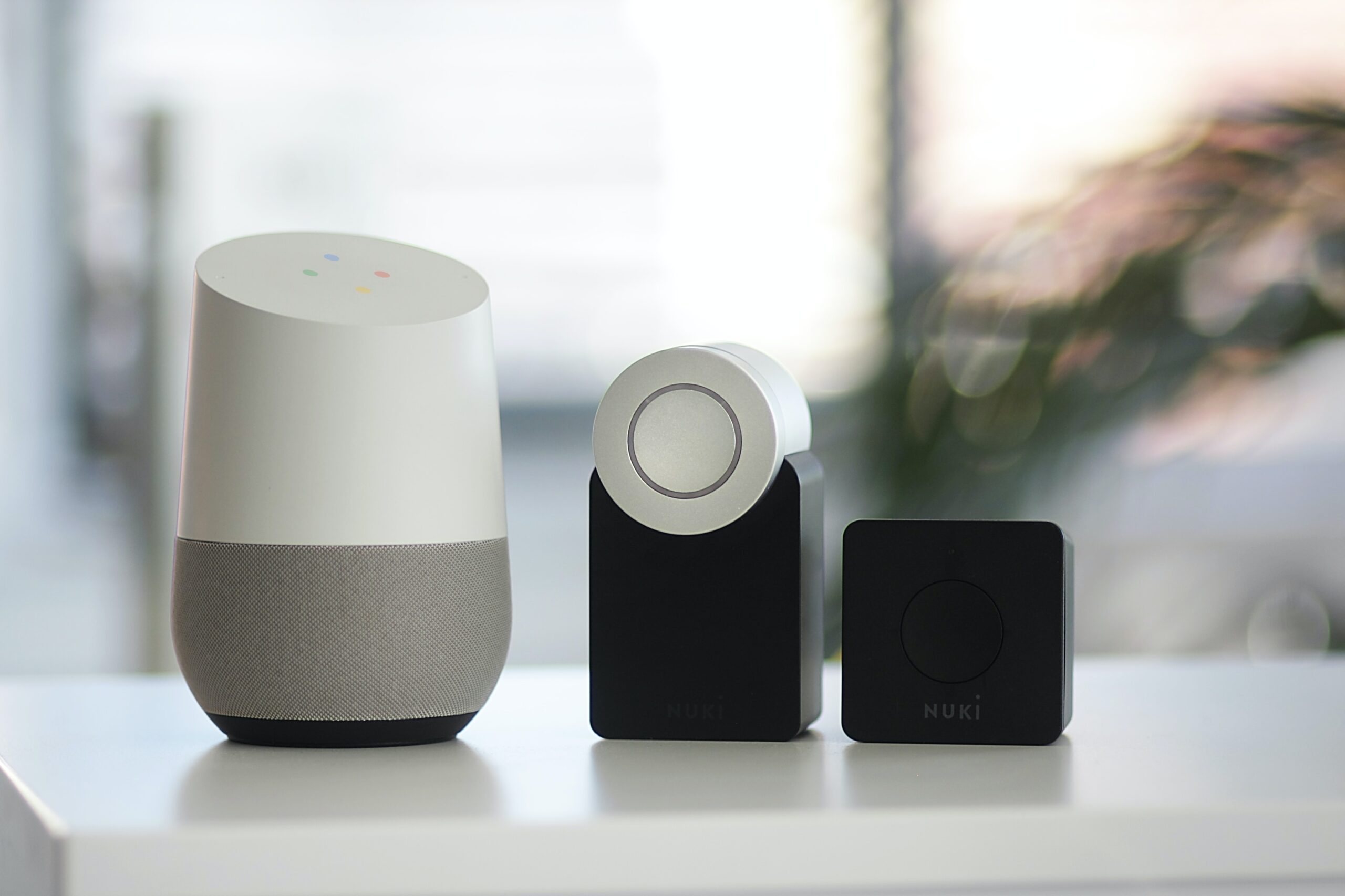
Smart gadgets are designed to make life easier by handling repetitive tasks and giving you more control over your environment. Affordable options are perfect for beginners who want to explore smart technology without a big investment. These devices are easy to use, energy-efficient, and often compatible with smartphones, making them practical for daily use.
Another advantage is that many budget gadgets offer features similar to premium products, allowing you to enjoy convenience at a lower cost.
Smart Speakers for Everyday Assistance
Smart speakers are one of the most popular and useful smart devices. They can help you set reminders, play music, check the weather, and control other smart gadgets in your home. With voice commands, you can manage your daily tasks hands-free, which saves both time and effort.
Even affordable smart speakers come with reliable voice assistants that can answer questions, manage schedules, and keep you updated throughout the day.
Smart Bulbs for Easy Lighting Control
Smart bulbs are a simple yet effective way to upgrade your home. These bulbs allow you to control lighting through your smartphone or voice commands. You can adjust brightness, change colors, and even schedule lights to turn on or off automatically.
This not only adds convenience but also helps in saving electricity, making smart bulbs a practical and cost-effective choice for any household.
Smart Plugs to Automate Appliances

Smart plugs are small devices that can turn ordinary appliances into smart ones. By connecting them to your Wi-Fi, you can control devices like fans, kettles, or televisions remotely.
They are especially useful for automating daily routines. For example, you can schedule your coffee maker to start in the morning or turn off appliances when not in use. This helps in reducing energy consumption and adds an extra layer of convenience.
Fitness Bands for Health Tracking
Staying healthy becomes easier with affordable fitness bands. These gadgets track your daily steps, monitor heart rate, and even analyze sleep patterns. They provide valuable insights that help you maintain a healthier lifestyle.
Most budget fitness bands also come with smartphone connectivity, allowing you to receive notifications and stay connected while focusing on your fitness goals.
Smart Security Devices for Safety
Safety is a priority for everyone, and smart security gadgets can help you feel more secure at home. Budget-friendly options like smart cameras and door sensors allow you to monitor your home remotely.
These devices send real-time alerts to your phone, so you are always aware of what’s happening, even when you are away. It’s an affordable way to enhance your home security without installing expensive systems.
Smart Power Banks and Charging Solutions
Running out of battery can be frustrating, especially during busy days. Smart power banks and charging devices ensure that your gadgets stay powered throughout the day.
Some advanced options even come with fast charging and multiple ports, making them highly practical for people who rely on multiple devices daily.
Benefits of Using Smart Gadgets

Affordable smart gadgets offer several benefits beyond convenience. They help save time by automating routine tasks, reduce energy usage, and improve efficiency in daily activities. They also enhance comfort by allowing you to control your environment easily.
Moreover, these devices are designed to be user-friendly, so even people who are not tech-savvy can use them without difficulty.
Tips for Choosing the Right Smart Gadgets
When selecting smart gadgets, it’s important to focus on your needs rather than buying unnecessary devices. Always check compatibility with your smartphone and ensure the device supports your preferred voice assistant.
Reading reviews and comparing features can also help you make better decisions. Choosing reliable brands ensures better performance and durability, even when you are shopping on a budget.
FAQs
1. What are budget-friendly smart gadgets?
Budget-friendly smart gadgets are affordable devices that use technology to automate tasks, improve convenience, and make daily life easier without costing too much.
2. Are cheap smart gadgets reliable?
Yes, many affordable smart gadgets offer good performance and reliability. Choosing trusted brands and checking user reviews can help ensure you get a quality product.
3. Do smart gadgets require internet to work?
Most smart gadgets need a stable internet connection, especially for remote control and voice commands. However, some basic features may still work offline.
4. Can smart devices help save electricity?
Yes, devices like smart bulbs and smart plugs can reduce energy consumption by allowing you to control usage, schedule operations, and turn off devices remotely.
5. Are smart gadgets safe to use at home?
Smart gadgets are generally safe, but it’s important to use secure Wi-Fi, update device software regularly, and buy products from trusted brands to avoid security risks.
6. Which smart gadget is best for beginners?
Smart speakers and smart bulbs are great for beginners because they are easy to install, simple to use, and provide immediate convenience.
Who should use Technology & Gadgets
Budget-Friendly Smart Gadgets That Make Life Easier is built for readers who want a faster way to finish everyday web tasks. The main goal is shorter workflows, clearer outputs, and reusable tool habits, so the guide focuses on practical choices instead of broad theory.
Use it when you need one of these outcomes:
- testing a task before choosing a heavier app
- saving time on a repeated browser workflow
- combining a guide with a related AltFTool utility
How to get a better result
- Read the core use case and decide what output you need.
- Open the related AltFTool utility and test it with a small sample.
- Review the result, adjust settings, and repeat only if needed.
- Continue with related tools or guides for the next step in the workflow.
Start small, check the first output, and only then repeat the workflow with the full file, text, media, or game session. That gives you a quick quality check before you spend more time.
Quality checks before you trust the output
- the input is clean before running the tool
- the output matches the format you need
- private details are removed before sharing or downloading
Do not overcomplicate a simple task. Start with the smallest sample that proves the workflow, then scale up once the output looks right.
Continue your workflow
If you want to try the workflow now, open the related AltFTool tool area. For more reading, continue through the Technology & Gadgets archive or the AltFTool tools directory.
This creates a cleaner path from explanation to action: read the guide, test the tool, compare the output, and move into the next related AltFTool resource only when it helps the task.
Reader questions
Quick answers
What is Budget-Friendly Smart Gadgets That Make Life Easier about?
In today’s fast-paced world, smart technology is no longer a luxury—it has become a part of everyday life. The good news is that you don’t need to spend a lot o
When should I use Technology & Gadgets?
Use Technology & Gadgets when you need testing a task before choosing a heavier app or saving time on a repeated browser workflow. It is best for shorter workflows, clearer outputs, and reusable tool habits.
How do I get better results from Technology & Gadgets?
Start with a small sample, then check that the input is clean before running the tool and the output matches the format you need. Review the output before using it in a final workflow.
Where can I find more Technology & Gadgets guides?
Use the AltFTool blog archive, AltFTool tools directory, and related links on this page to explore more Technology & Gadgets tutorials, tool workflows, and practical recommendations.
Sources and review notes
References used to check facts, freshness, and reader-safe recommendations in this guide.
Reviewed against AltFTool editorial guidance, related site archives, and linked tool pages for freshness and reader usefulness.
- 1
- 2AltFTool tools directory
AltFTool
Discussion
0 comments
No comments yet
Discussion will appear here once it loads.